Printing on Specialty Media
Phaser® 6360 Color Laser Printer
3-33
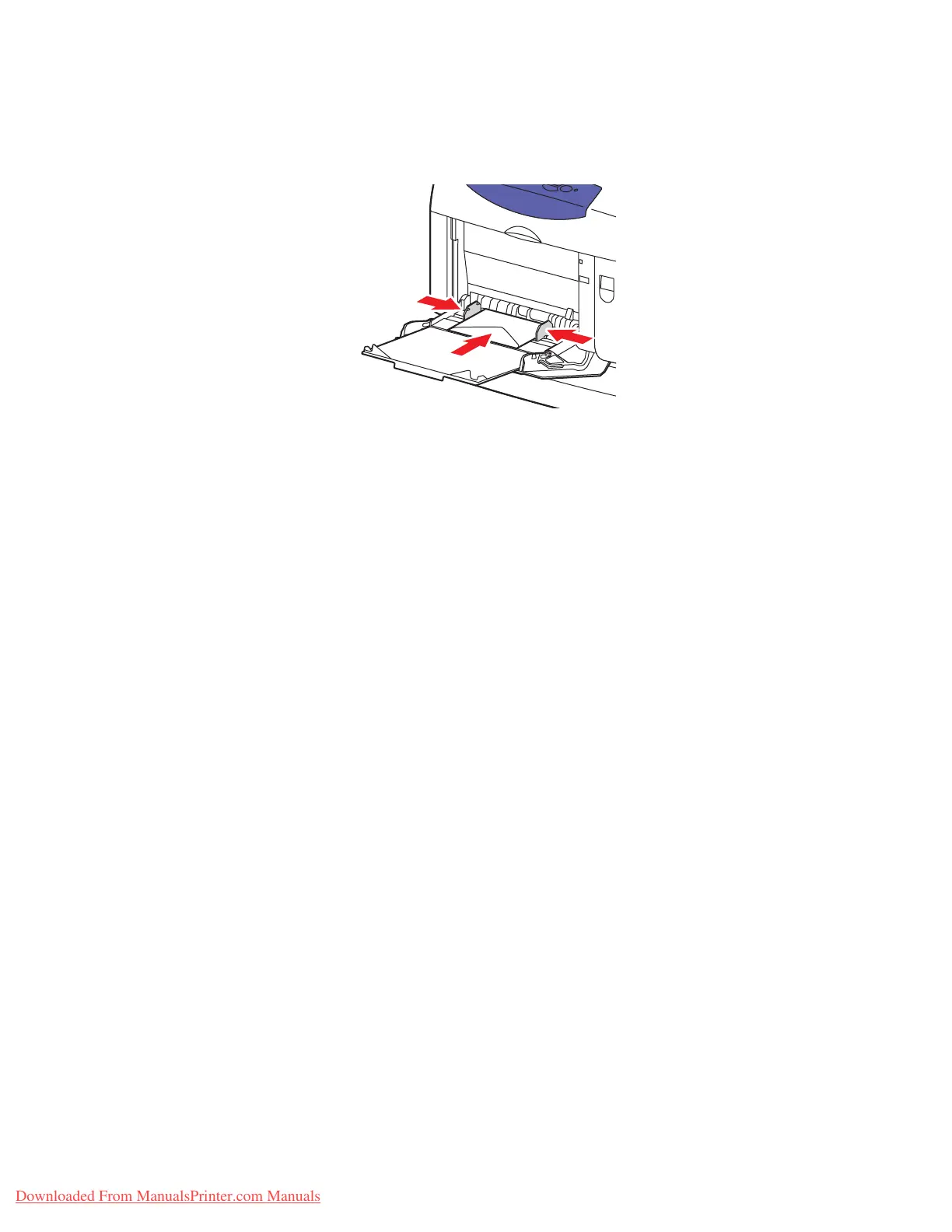
■ For Monarch, A7, DL, and C6 envelopes, place the envelopes in the tray flap-side up
with the bottom of the envelope entering first.
4. On the control panel, select the envelope type and size:
a. Select
Change setup, and then press the OK button.
b. Select
Envelope as the paper type, and then press the OK button.
c. Select the envelope size, and then press the OK button.
5. In the printer driver, select either Envelope as the paper type or Tray 1 (MPT) as the
paper source.
6360-054
Downloaded From ManualsPrinter.com Manuals



 To Next Page
 Loading...













