29
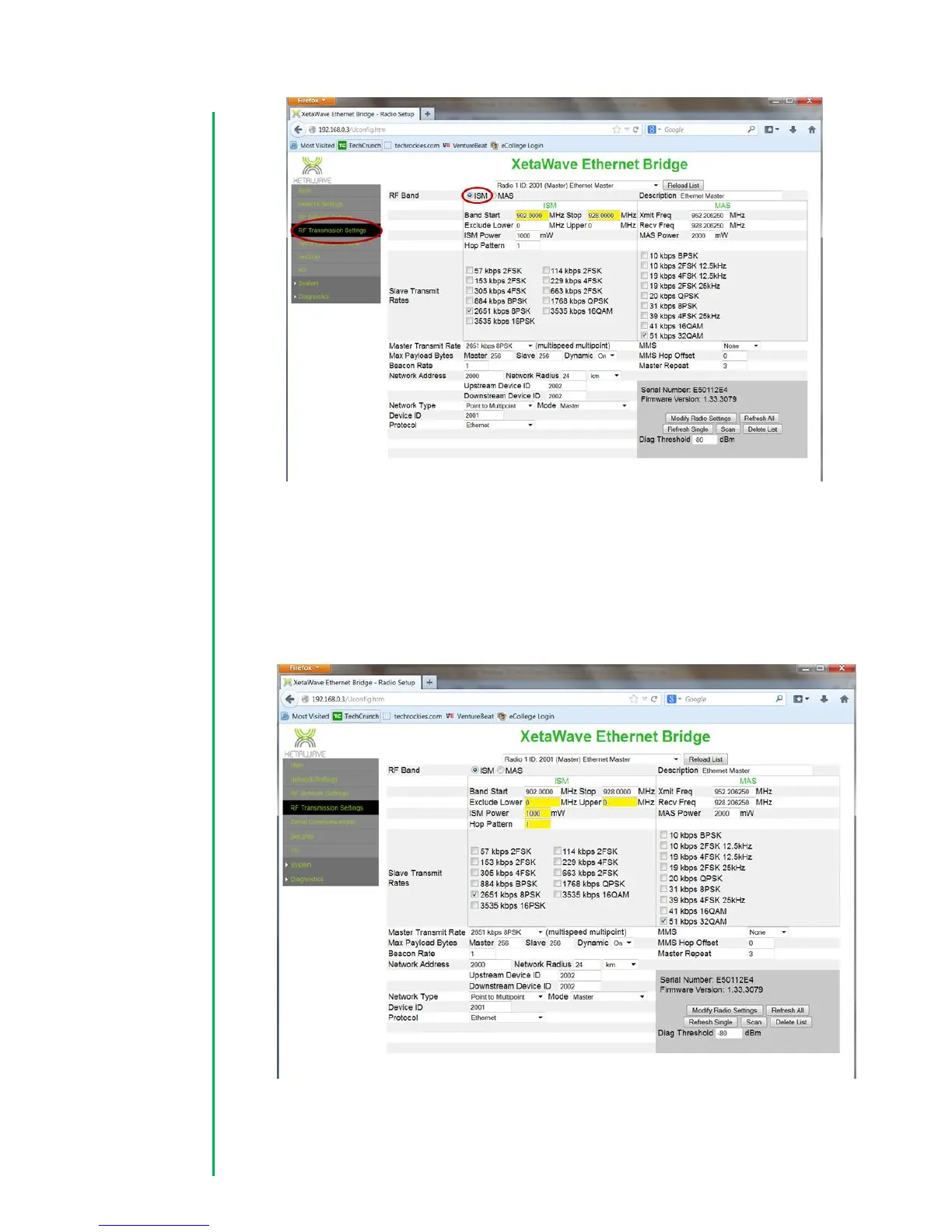
3. Configure Exclusion zone, ISM Output Power, and the Hop Pattern. Initially, it is
common that there is no exclusion zone configured. In this case both the
“Lower” and “Upper” values should be set to zero. The ISM Power should be set
to a value between 100 and 1000 mW depending on the deployment. The Hop
pattern should be set to 1 to enable a pseudo-random hopping sequence.


 To Next Page
 Loading...