Chapter 1. Getting Started
Getting to know your iX104
26 iX104 User’s Handbook
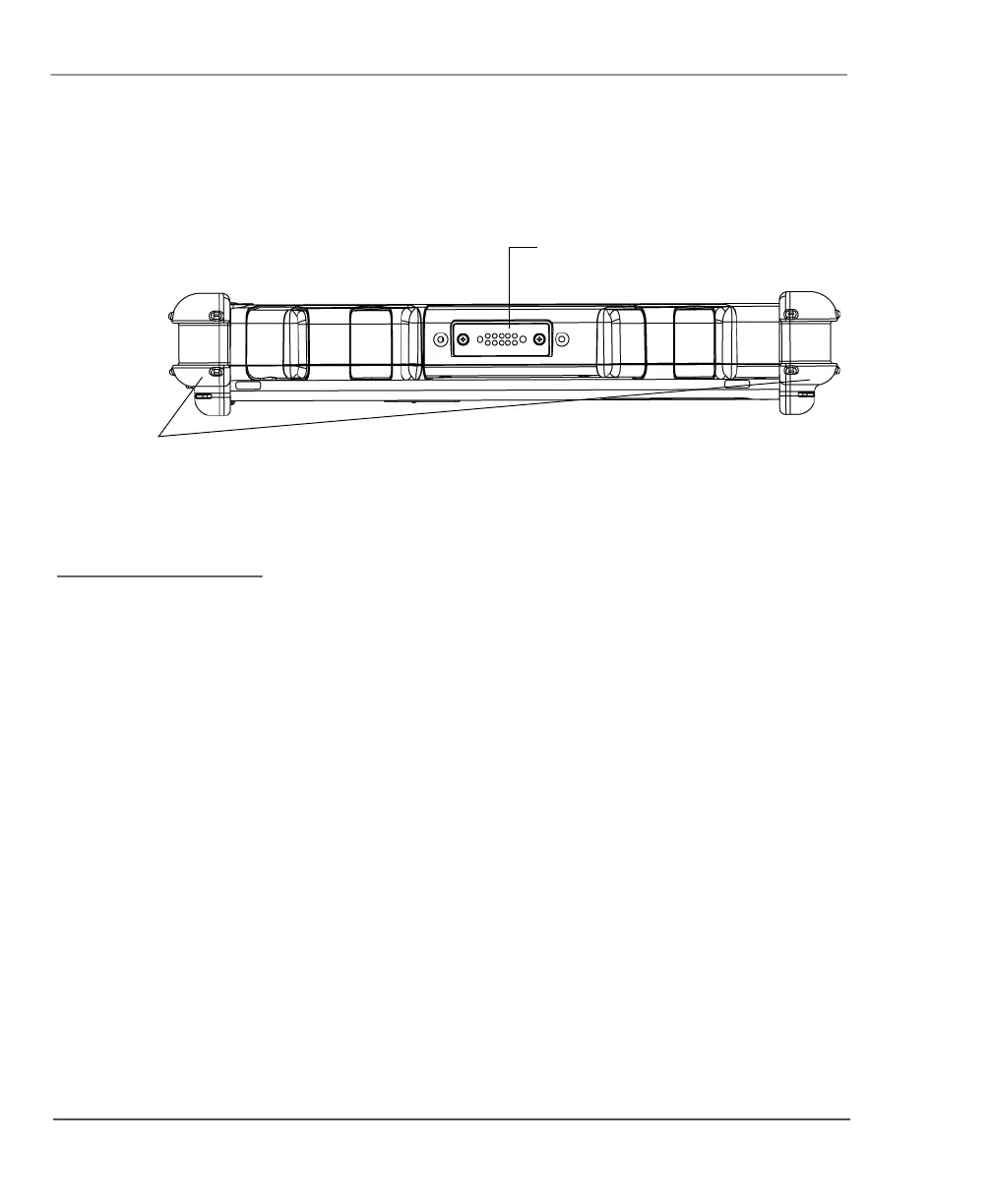
Right side view
Bumpers – Fabricated from rugged material. Raised to help protect
the computer from damage.
XPL expansion port – A USB port (compliant with USB Standard
Revision 1.1) that enables you to connect an XPL snap-on expansion
module for devices such as cameras, radios, and fingerprint scanners.
XPL expansion
port
bumpers
ontact your reseller for
nformation about the XPL
xpansion module and the
ensington security cable.



 To Next Page