Chapter 2. Using the iX104
Turning off the computer
iX104 User’s Handbook 37
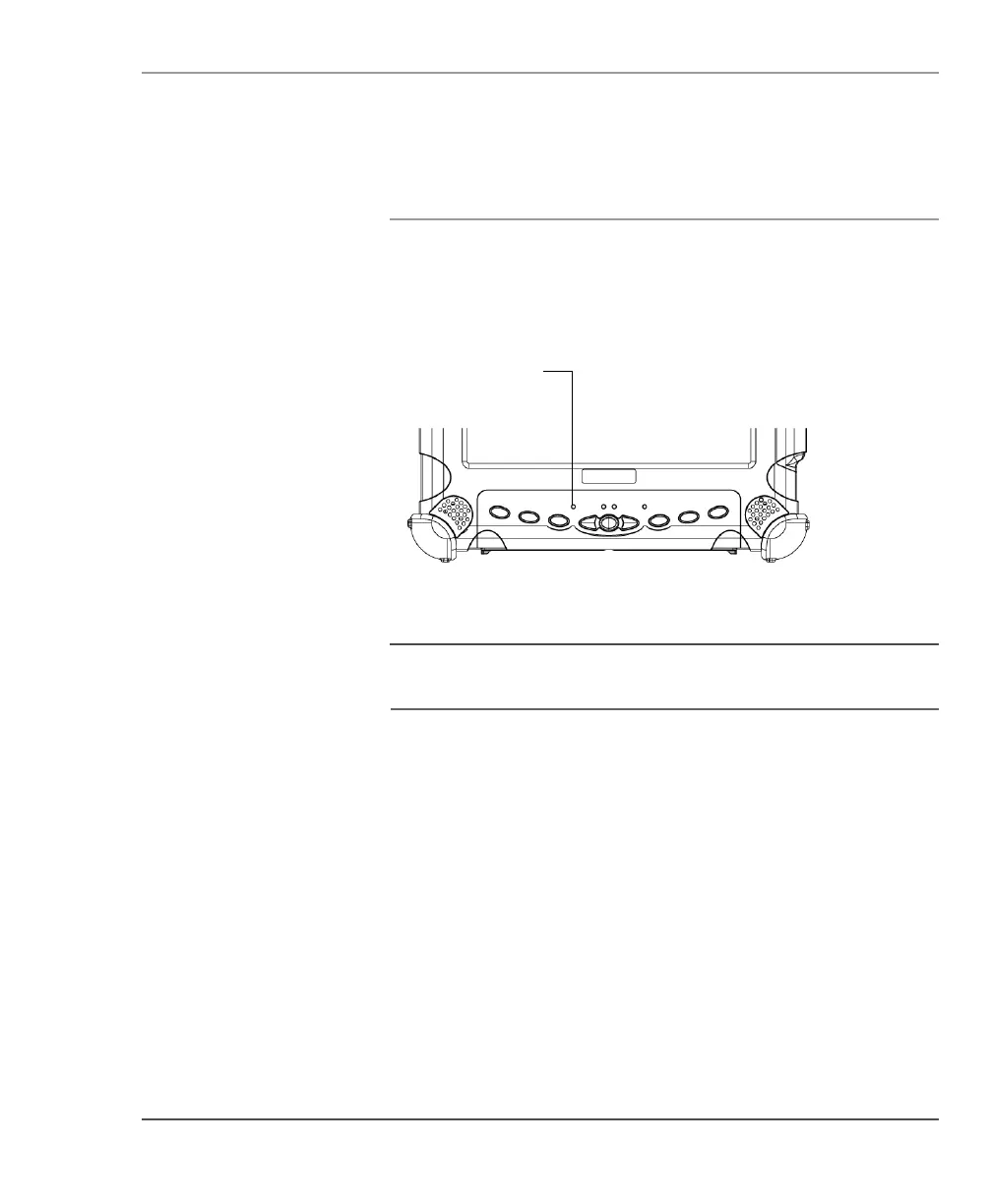
Using the Reset switch
If the computer does not seem to be accepting input and you cannot
turn it off by using the method described in “Turning off the
computer,” press the
Reset switch. (Use a ball point pen or similar
instrument to press the switch).
Note
Use the Reset switch only if you cannot turn off the computer by
any other means, because you may lose unsaved data.
Reset switch



 To Next Page