Chapter 2. Using the iX104
Using the battery
iX104 User’s Handbook 63
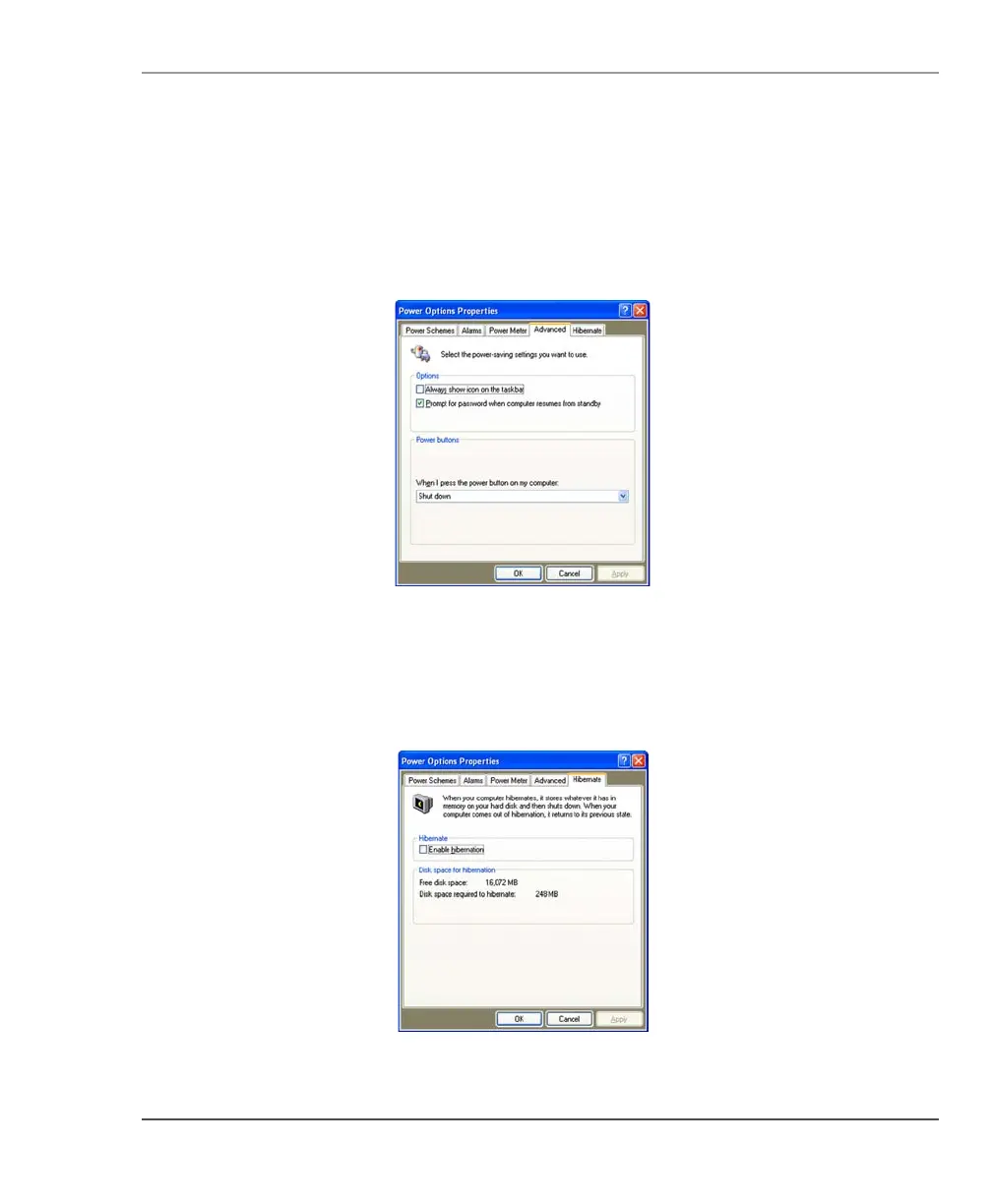
Selecting power settings
In the Power Options Properties window (page 61), select the
Advanced tab; then select the power settings options you want to use.
Enabling Hibernation mode
In the Power Options Properties window (page 61), select the
Hibernate tab; then check the Enable Hibernation check box.



 To Next Page