Chapter 2. Using the iX104
Suspending and resuming operation
40 iX104 User’s Handbook
Suspending operation
Use one of the following methods to suspend operation:
Method 1
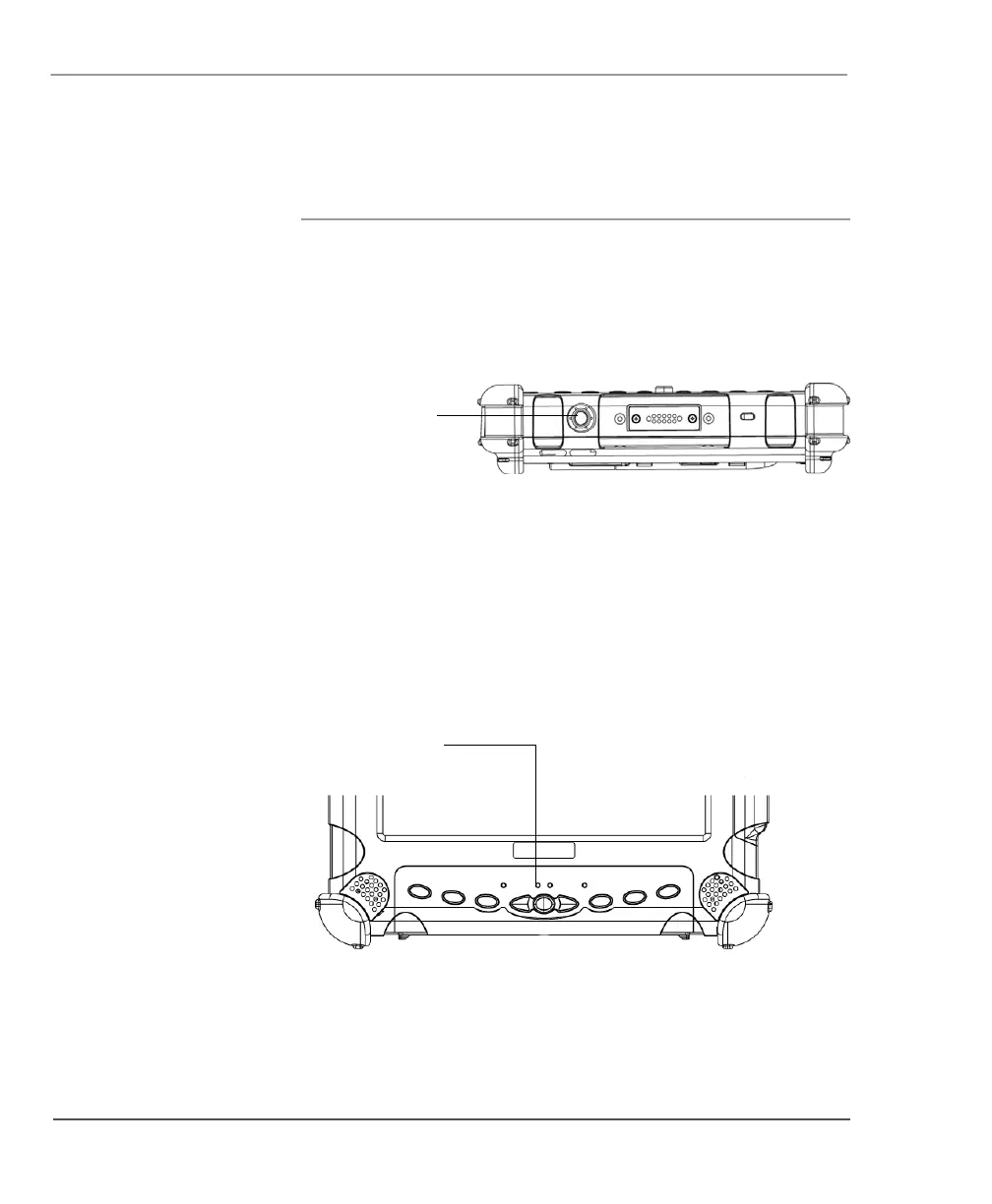
Press the Power On/Off/Suspend/Resume button.
Method 2
1. From the Windows Start menu, press Turn Off Computer.
2. The
Turn off computer dialog box opens.
3. Press
Stand By.
When operation is suspended, the Status LED displays a continuous
yellow light.
Power On/Off/
Suspend/Resume
button
Status LED



 To Next Page