Chapter 2. Using the iX104
Using the battery
62 iX104 User’s Handbook
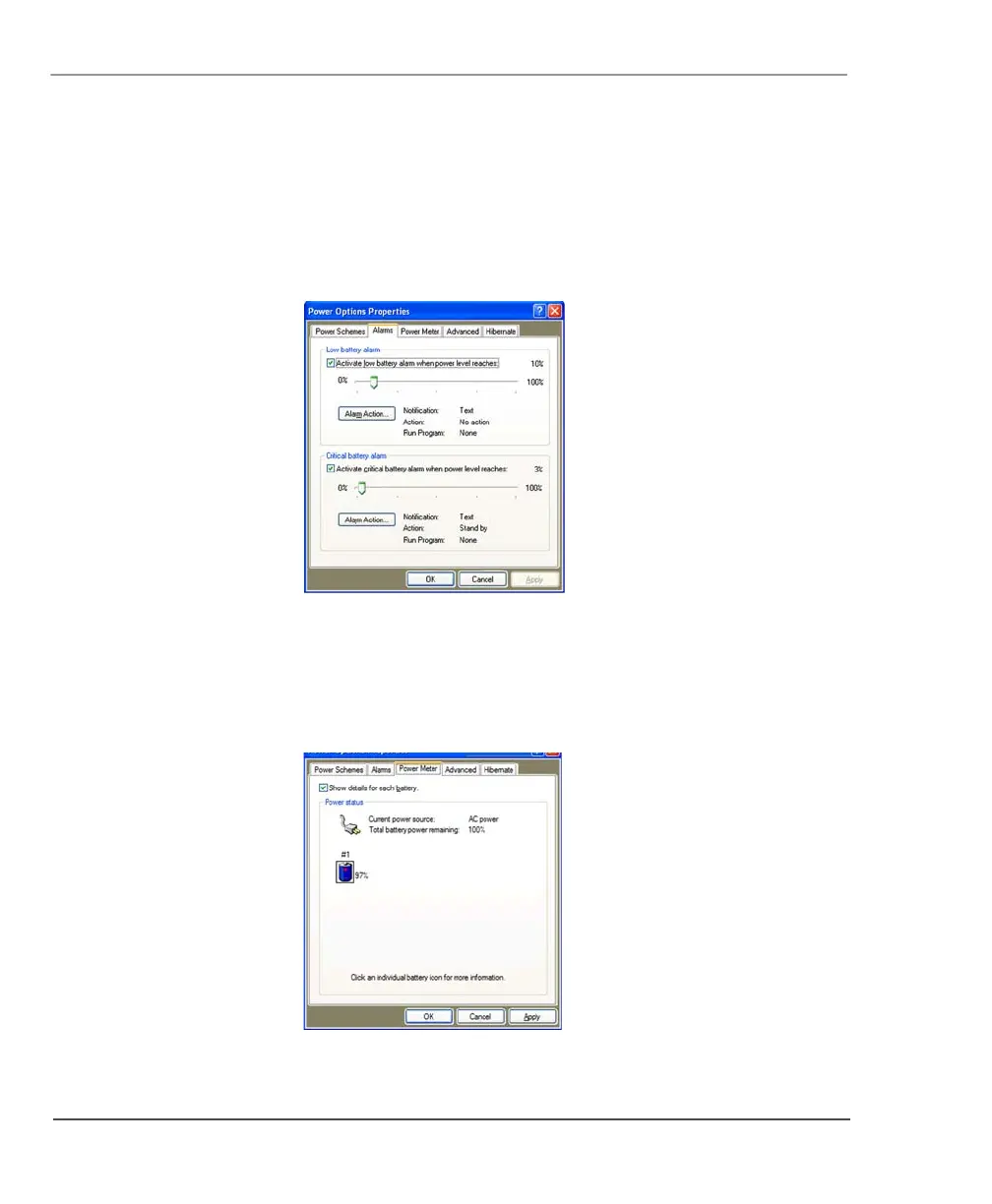
Changing battery alarm settings
In the Power Options Properties window (page 61), select the
Alarms
tab; then use the slider bars to change the alarm settings.
Checking battery power status
In the Power Options Properties window (page 61), select the
Power
Meter
tab. The window shows the amount of power left in the battery.



 To Next Page