Chapter 2. Using the iX104
Connecting devices
50 iX104 User’s Handbook
Connecting devices
Refer to the following subsections for information about connecting
external devices to your computer.
Note
If the device you want to use does not appear to be working with
your computer, the device may need to be enabled in the
computer’s configuration program. Contact your local help desk
or Xplore reseller.
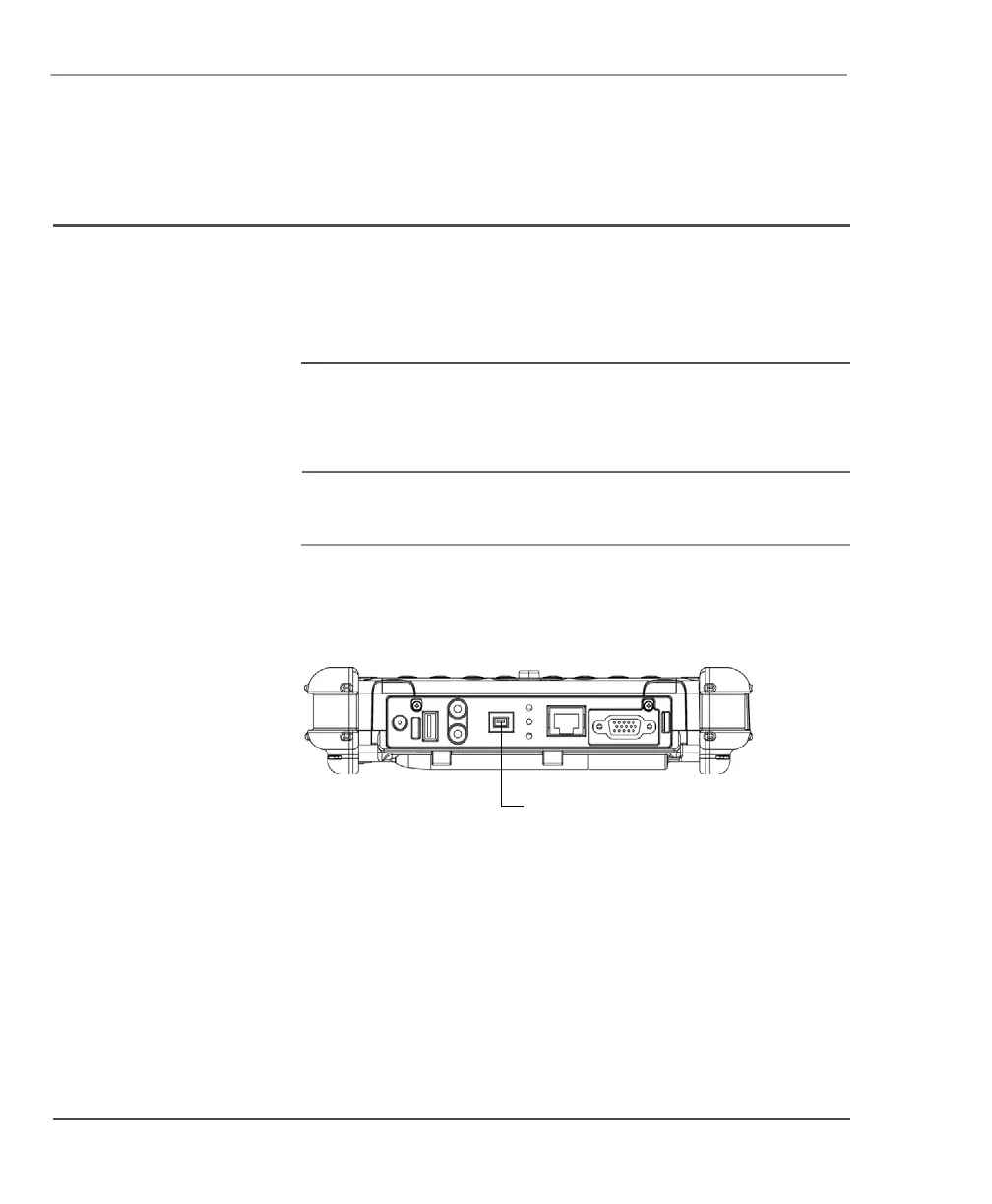
Connecting FireWire devices
Connect a FireWire device (such as a digital camera, a digital video
camera, or a CD-ROM or DVD drive) to the Firewire (IEEE 1394)
connector on the computer.
FireWire
(IEEE 1394)
connector



 To Next Page