Chapter 1. Getting Started
Getting to know your iX104
iX104 User’s Handbook 27
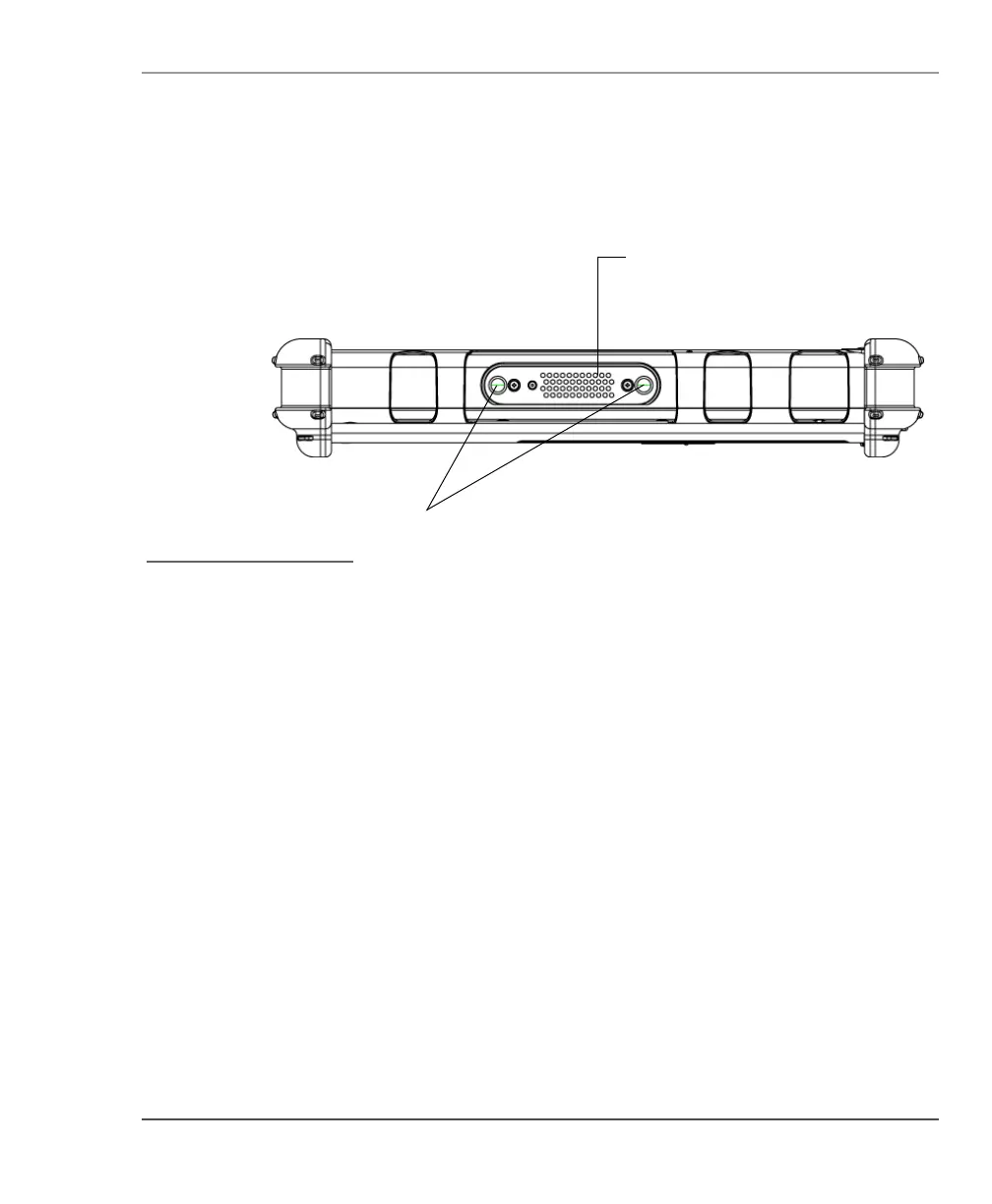
Left side view
Docking connector – Enables you to connect the optional X-Stand
Desktop Docking Station or X-Dock Vehicle Docking Station.
Guide pin receptacles – Help assure secure connection of the
optional X-Stand or X-Dock.
guide pin
receptacles
docking connector for
the optional Xplore
Tablet Dock
See “Optional
accessories” on page 17.



 To Next Page