Chapter 1. Getting Started
Getting to know your iX104
28 iX104 User’s Handbook
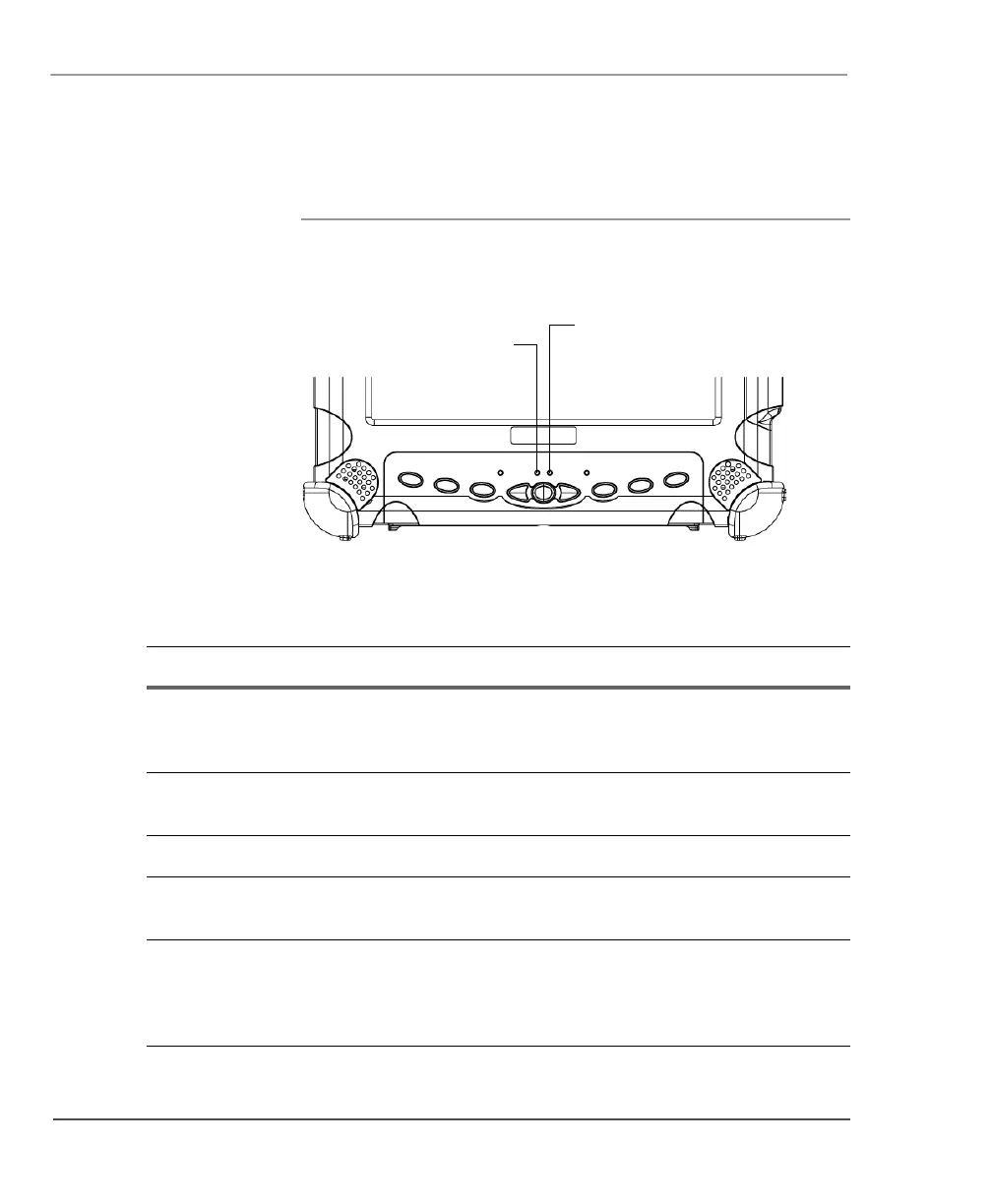
LED indicators
The LED indicator lights show the status of system functions such as
power and battery levels.
The following table defines the various LED states.
Status
LED
Brightness
LED
Table 1 Status LED indicator
Mode/State LED State Meaning
On state green, continuous The computer is on, ready for use, and
functioning normally. The battery is fully
charged.
Charging green, blinking The AC adapter is plugged in and the battery
is charging.
Off state off (no light) The computer is off.
Suspend mode yellow, continuous The computer is on and is in Suspend or
Hibernation mode.
Thermal control yellow, blinking The computer is on and is in Warm-up mode,
with the LCD and backlight off. After the
system has warmed to a safe level, the LCD
and backlight turn on.



 To Next Page