Appendix B. Using BIOS and AOS Functions
Enabling manual LCD backlight control
iX104 User’s Handbook 93
Enabling manual LCD backlight control
When the LCD backlight control is in manual mode, the ambient light
sensor is disabled and the computer no longer automatically controls
the screen brightness.
Follow these steps to disable the sensor and enable manual LCD
backlight control:
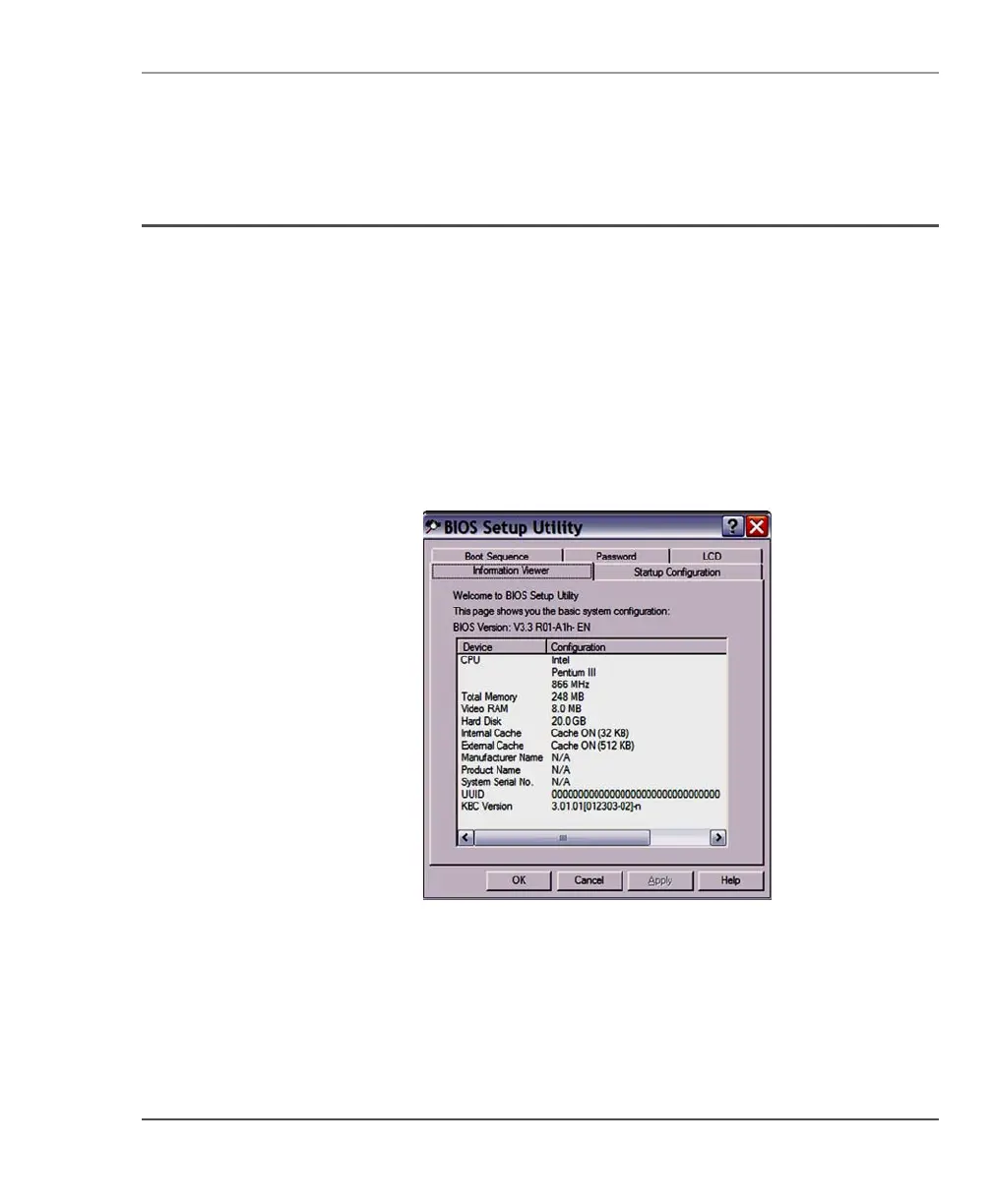
1. When the computer is booting, press the
Function and P2 buttons
to start the BIOS Setup Utility.
The utility starts, displaying the Information Viewer tab.



 To Next Page