Appendix B. Using BIOS and AOS Functions
92 iX104 User’s Handbook
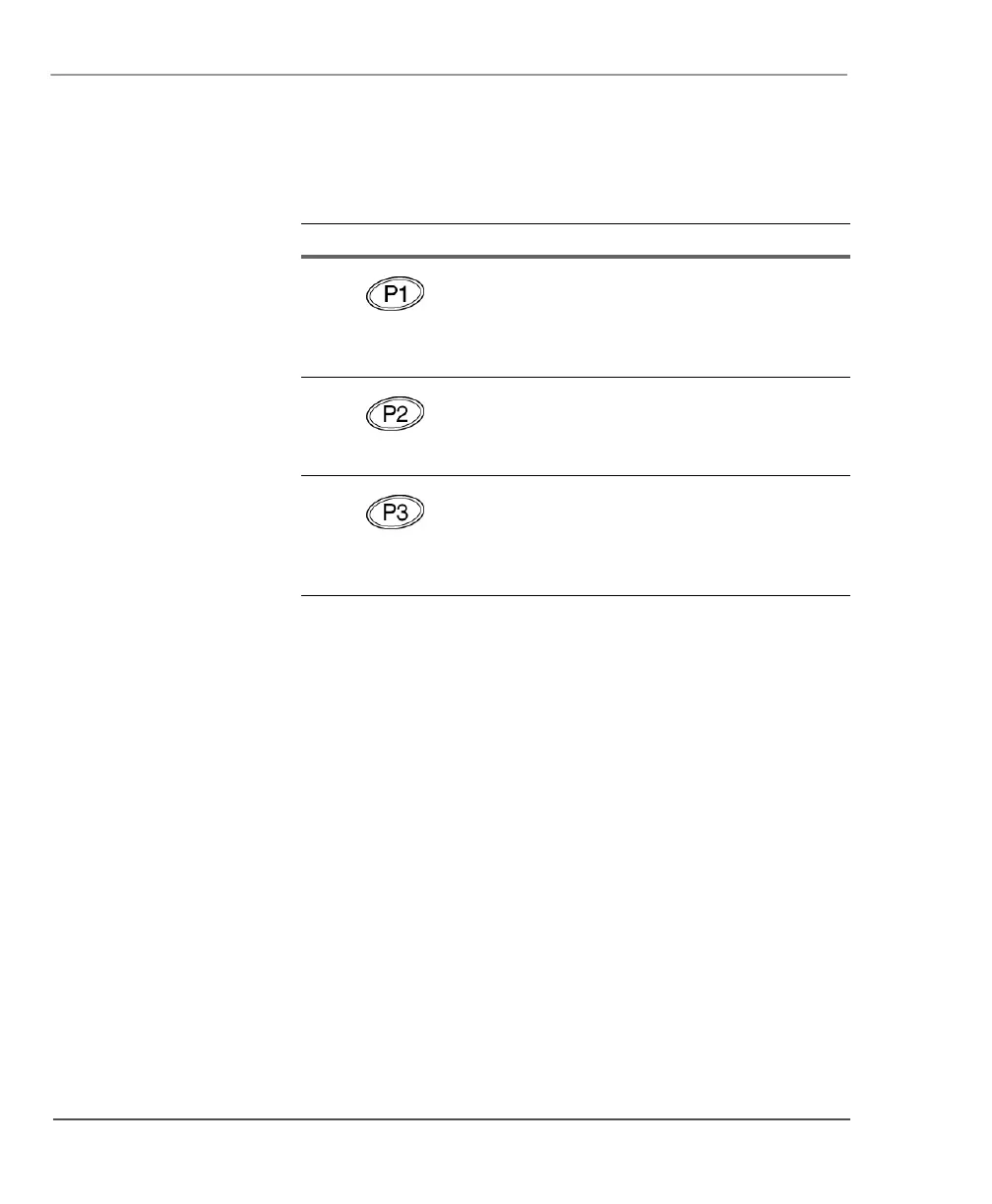
When the system is displaying a BIOS error
(such as an invalid checksum), press the P1
button to bypass the error message and
attempt a normal boot sequence (the same
as the F1 key on a keyboard).
When the system is displaying the iX104
logo, press the P2 button to run the BIOS
setup utility (the same as the F2 key on a
keyboard).
When the system is displaying the operating
system boot screen, press the P3 button to
open the Advanced Operation System
Options menu (the same as the F8 key on a
keyboard).
Table 9 Using BIOS and AOS functions (continued)
Use this button... To perform this function



 To Next Page