iX104 User’s Handbook 35
2 Using the iX104
This chapter contains detailed instructions for using your computer.
Turning on the computer
1. Make sure the computer is off.
2. Make sure the battery is charged or that the computer is plugged
in to an external power source.
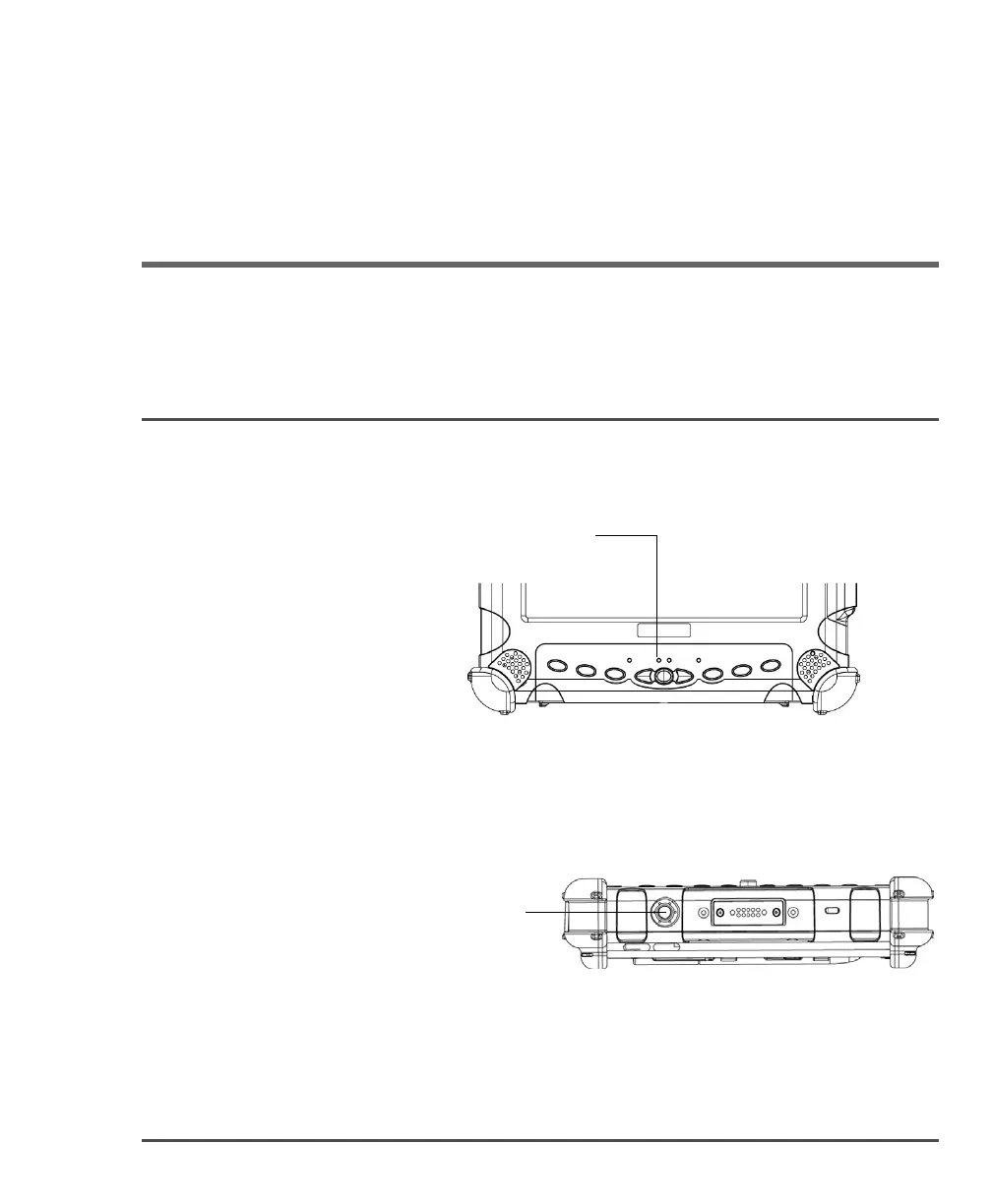
3. Press the
Power On/Off/Suspend/Resume button.
When the computer is off,
the Status LED is off.
Power On/Off/
Suspend/Resume
button



 To Next Page