Chapter 2. Using the iX104
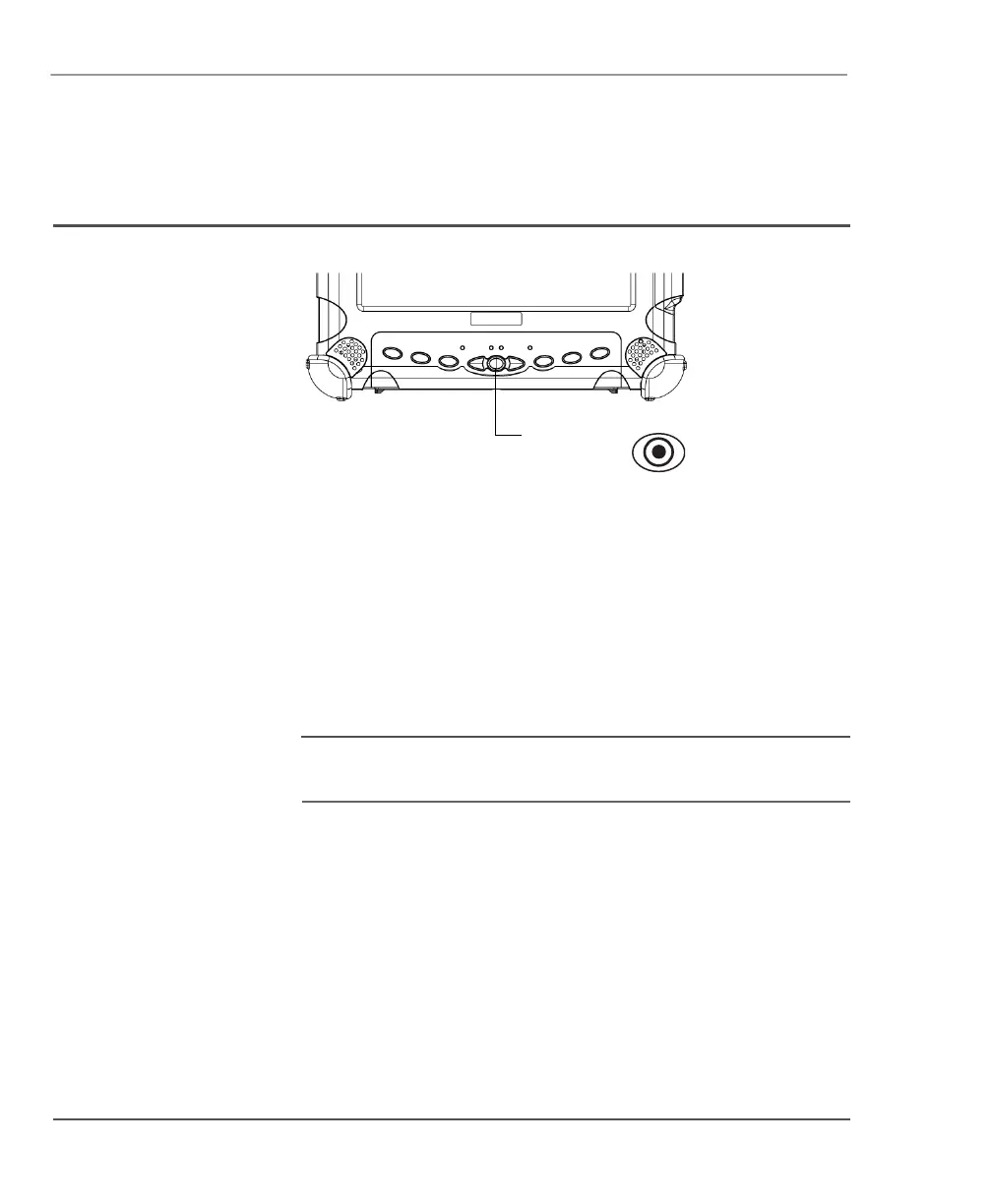
Using the joystick (the navigation control key)
46 iX104 User’s Handbook
Using the joystick (the navigation control key)
Press the joystick to perform the same functions as pressing Enter on
a keyboard.
Push the joystick up, down, left or right to move a highlighted item
accordingly (the same as pressing the arrow keys on a keyboard). Use
the
Fn key in combination with the joystick to perform other
functions, such as
Page Up and Tab.
Note
See page 33 and page 34 for diagrams of how to use the joystick
and other navigation control buttons.
joystick
(navigation
control key)



 To Next Page