Chapter 2. Using the iX104
Connecting devices
iX104 User’s Handbook 53
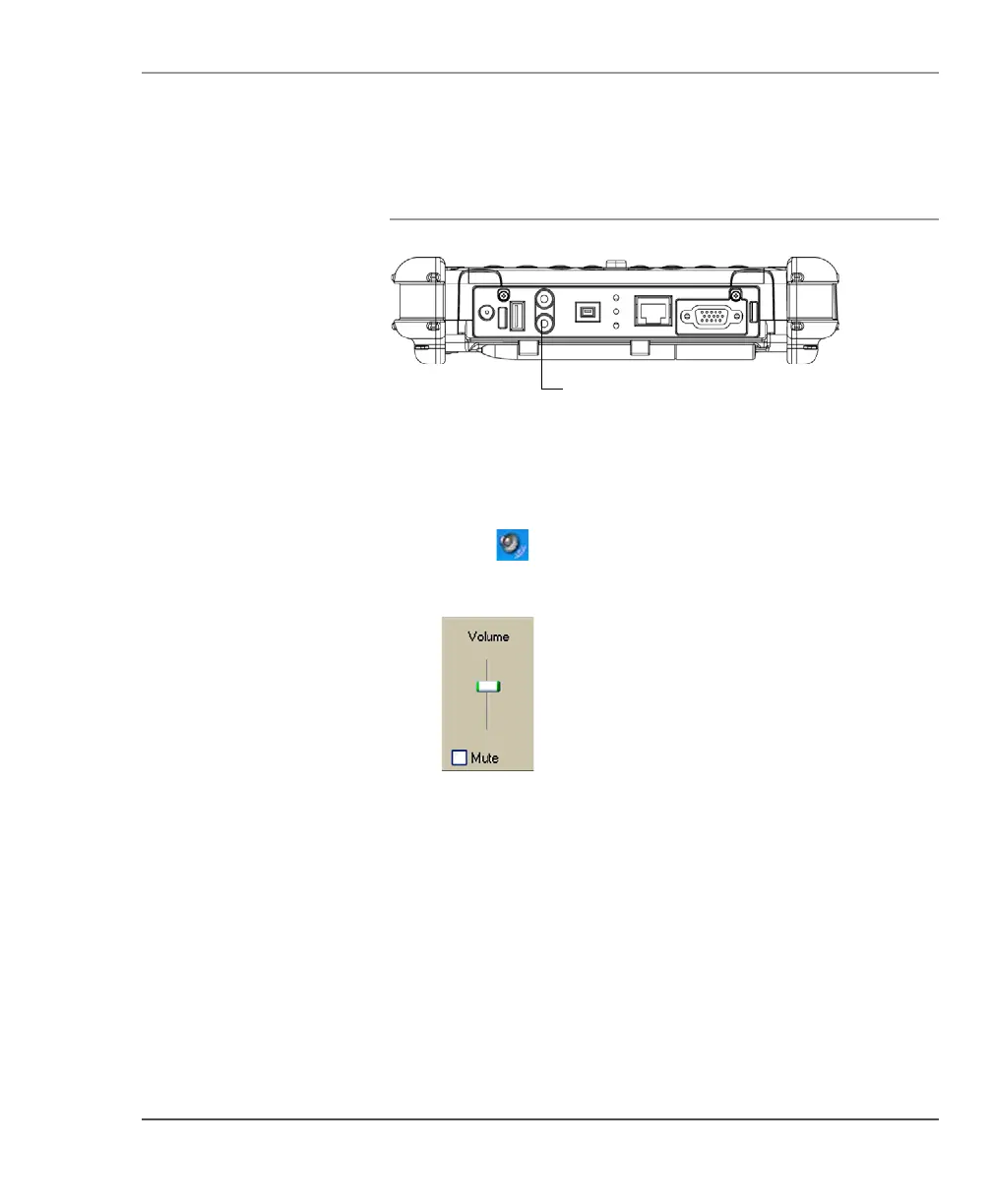
Connecting a headphone or speakers
Adjusting headphone or speaker volume
1. Click the audio icon in the Status area of the Windows
taskbar.
The volume control area opens.
2. If the Mute check box is checked, uncheck it.
3. Move the slider bar up or down to increase or decrease the
volume.
headphone/speakers
connector



 To Next Page