Chapter 2. Using the iX104
Using the battery
iX104 User’s Handbook 59
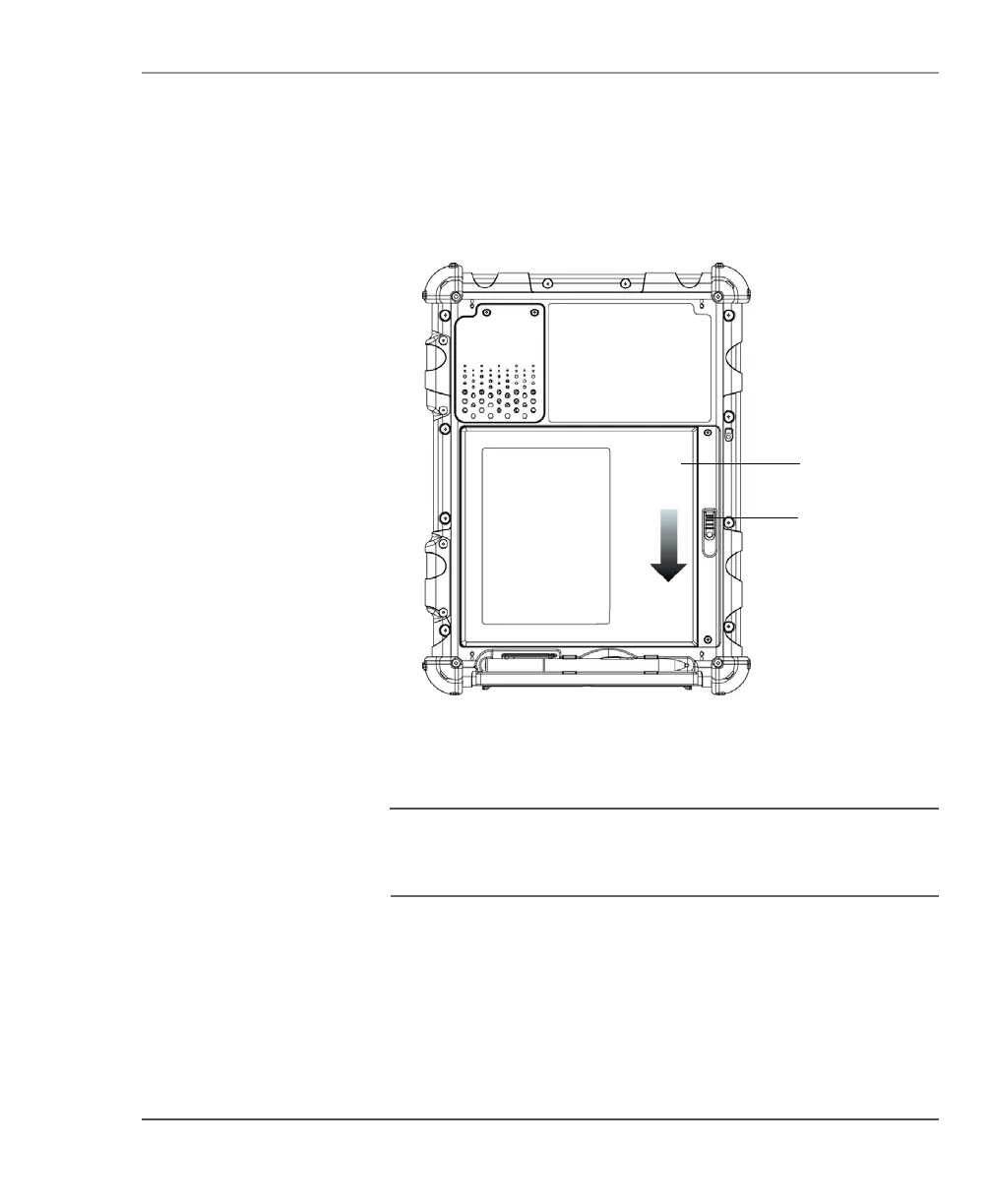
2. On the computer, slide the battery release latch in the direction
indicated.
3. Pull the battery away from the computer and remove it.
Note
After removing the battery, you must replace the battery
or connect the computer to an external power supply within
3 to 5 minutes or the computer completely loses power.
removable
battery
battery
release
latch



 To Next Page