Chapter 2. Using the iX104
Programming hot keys
iX104 User’s Handbook 71
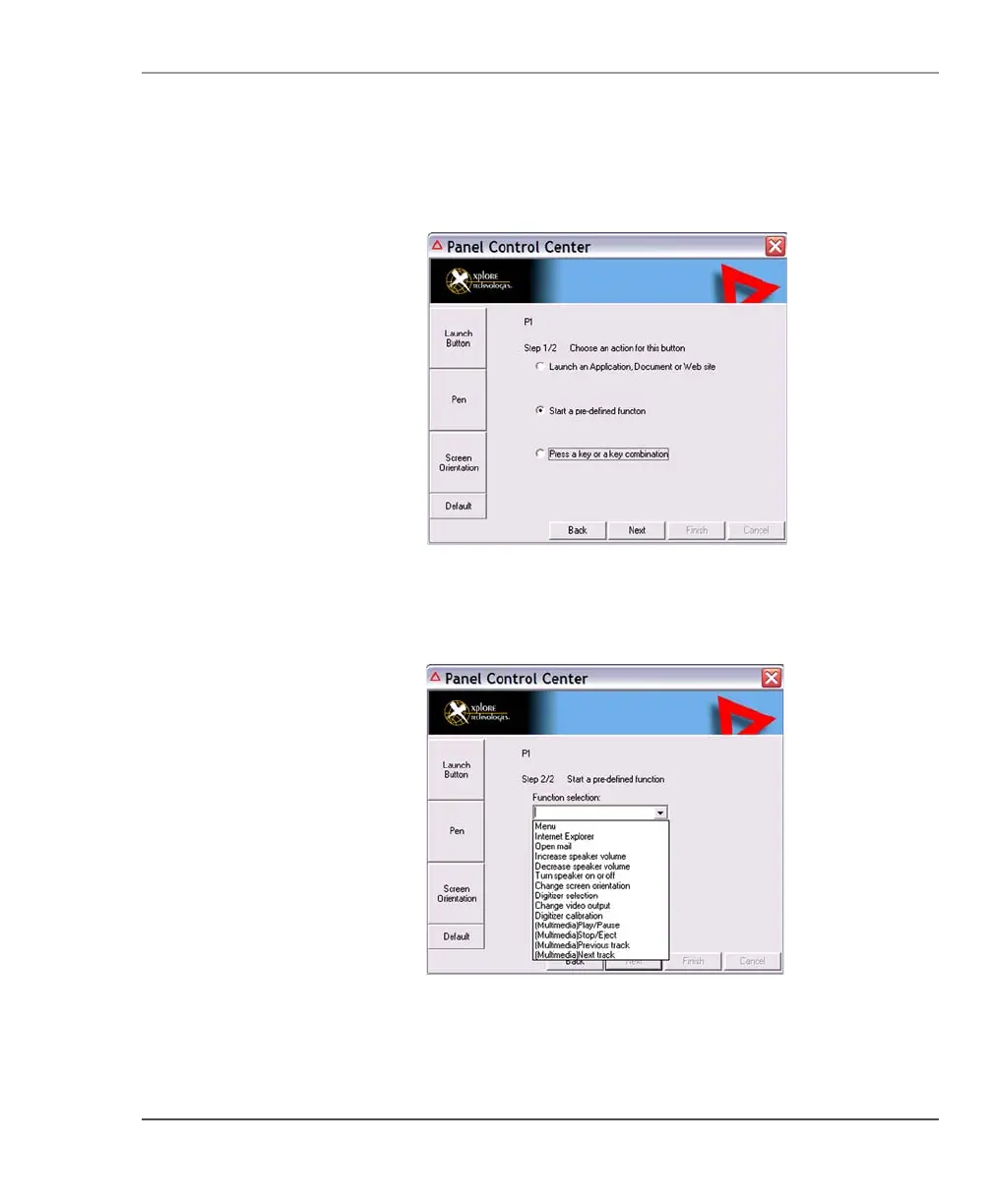
The following options appear:
4. Click
Start a pre-defined function.
5. In the
Function selection drop-down list, select an option.
6. Program more hot keys, or click
Finish to close the Panel Control
Center window.



 To Next Page