Chapter 3. Maintaining the iX104
Caring for the computer
78 iX104 User’s Handbook
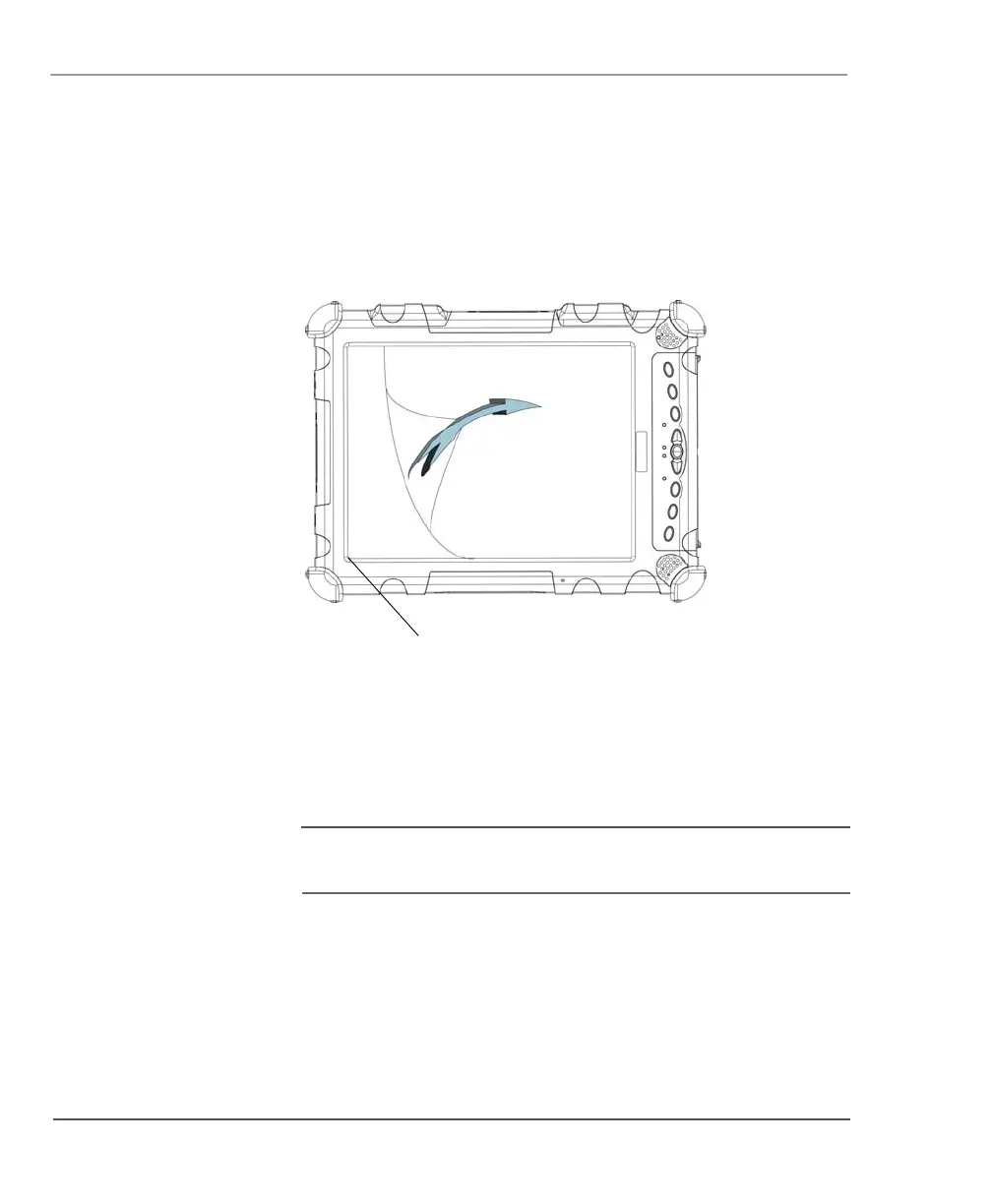
Removing the screen protector
Slide your fingernail under the edge of the screen protector and pull
the protector away from the screen.
Installing a new screen protector
Follow the instructions included with your screen protector
replacement kit.
Note
If a screen protector is already installed on the display screen,
remove it before installing the new screen protector.
edge



 To Next Page