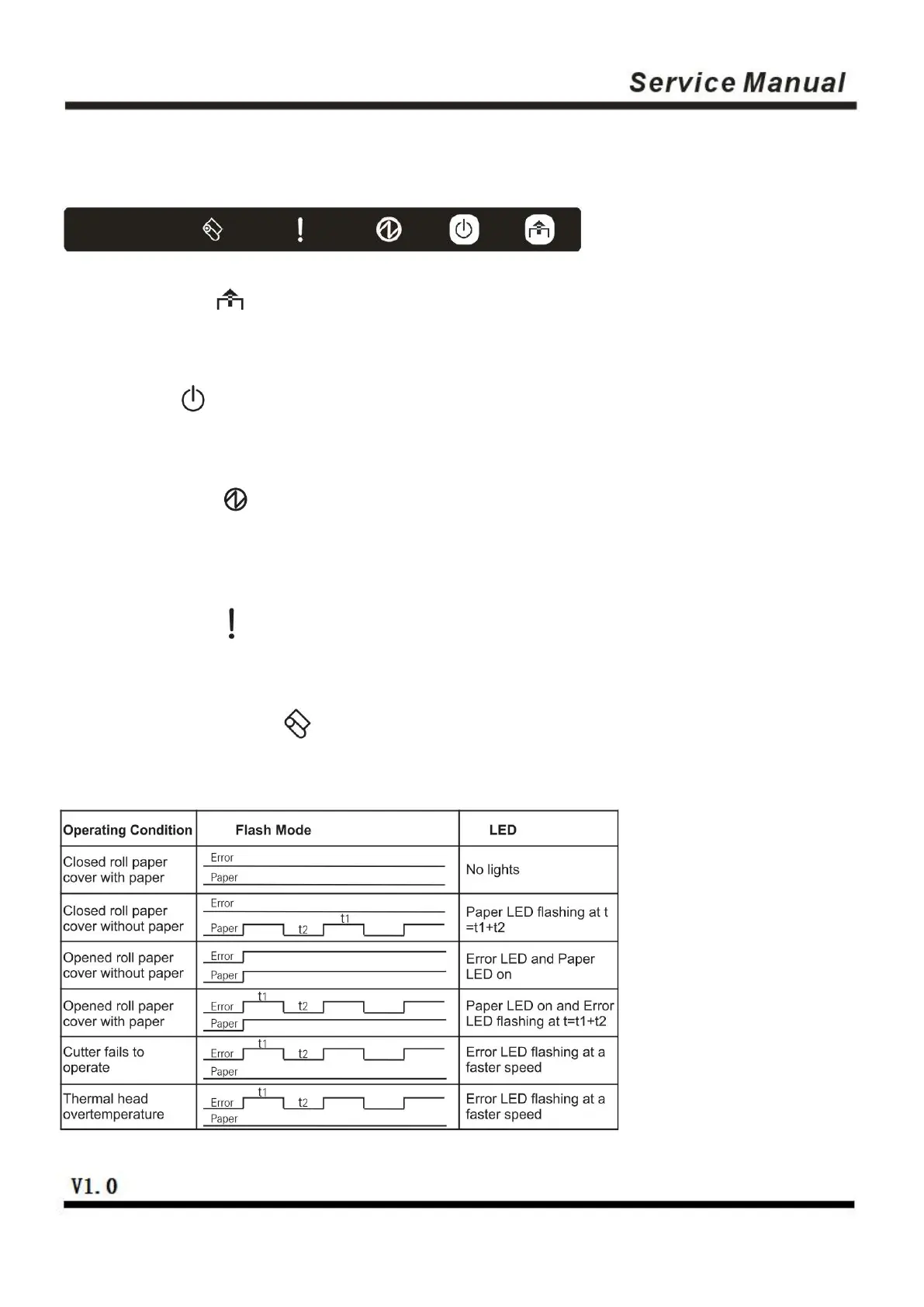
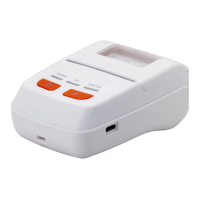
3、Keys, Buttons, Indicators and Functions
3.1 Paper-feed key ( )
When the printer does not alarm, press the key to feed paper, and hold it to feed paper continuously.
3.2 Power key ( )
Press this key 1-2 seconds to turn on/off the printer.
3.3 Power indicator ( )
The indicator light is blue in color. When it is on, the power of the printer is turned on, and when it is off, the
power of the printer is turned off.
3.4 Status indicator ( )
The indicator light is red in color.
3.5 Paper-lacking indicator ( )
The indicator light is red in color.


 To Next Page