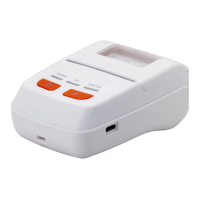
6.1.3 Dismantlement of the Flip Cover of the Printer
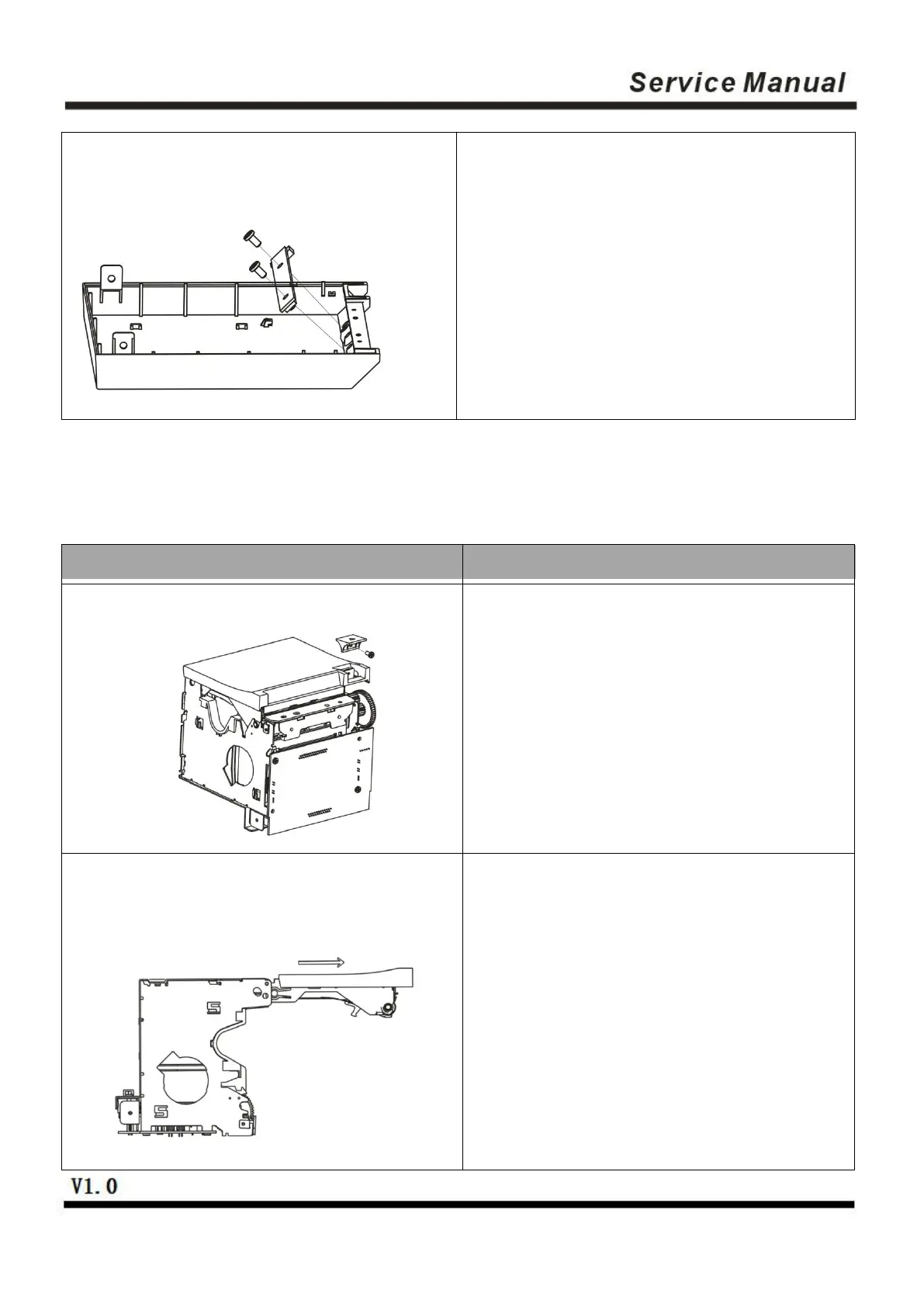
Dismantle the BM2*3mm screw for fixing
the cover-opening button with a small
cross screwdriver, and then take off the
cover-opening button.
First press the cover-opening button and
open the flip cover, then move the flip
cover for 12mm along the direction
indicated with the arrow.
(Caution: Do not pull out the flip cover
directly)
Dismantle the two PB3*6mm screws for
fixing the lamp panel with a cross
screwdriver, and then take off the lamp
panel.


 To Next Page