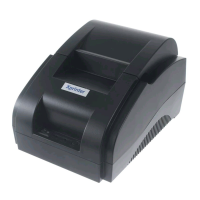
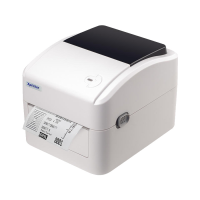
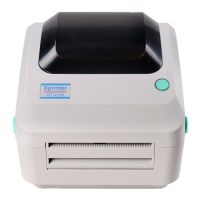
Notes for Maintenance ............................................................................................................................
1. Characteristics of the Printer .................................................................................................................
Overview...........................................................................................................................................
Main Characteristics..........................................................................................................................
Technical Parameters .......................................................................................................................
2. Appearance and Components ..................................................................................................................
Outer Appearance of the Product ......................................................................................................
Connecting Diagram for Components of Control Panel....................................................................
Interfaces of the Printer......................................................................................................................
Interface for power supply.........................................................................................................
Interface for Cash drawer ...........................................................................................................
USB interface..............................................................................................................................
Serial interface................................................................................................................................
Ethernet interface............................................................................................................................
3. Keys, Buttons, Indicators and Functions.....................................................................................................
Paper Feed Key .................................................................................................................................
Power Key..........................................................................................................................................
Power Indicator.......................................................................................................................................
Status Indicator.......................................................................................................................................
Paper Lacking Indicator.........................................................................................................................
Description of the Printer's Status..........................................................................................................
4. Installation and Use....................................................................................................................................
Connection of Interfaces....................................................................................................................
Connecting to power adaptor...................................................................................................
Connecting to cable.................................................................................................................
Connecting to Cash drawer ....................................................................................................
Load of Paper Roll ...........................................................................................................................


 To Next Page