18
Rev. 1.0 31/01/2020
Temperature measurement ATC – MTC
• ATC: The direct measurement of the sample temperature for all parameters is carried out through the
NTC 30KΩ probe, which can be either integrated into the sensor (electrode and / or cell) or external.
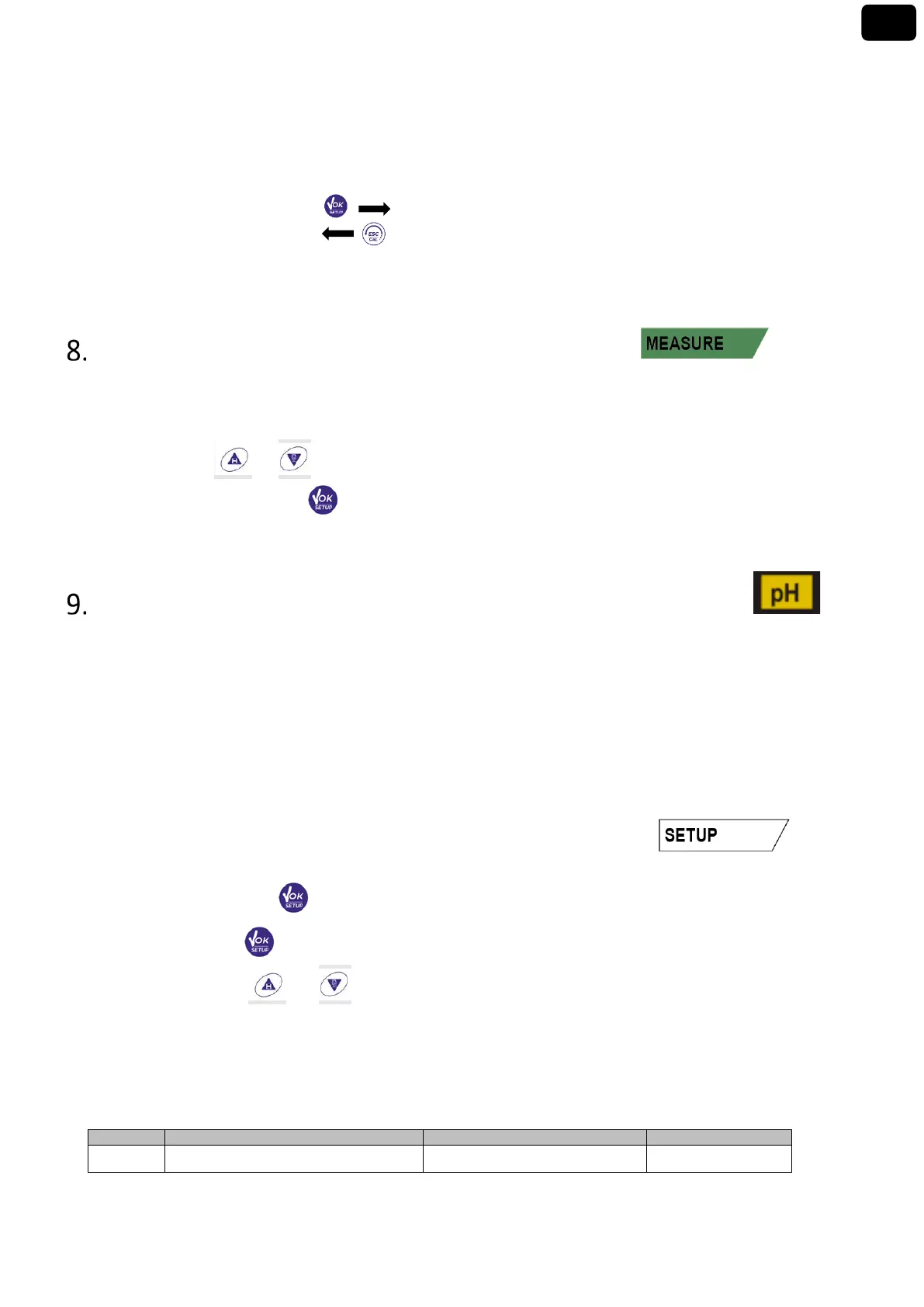
• MTC: If no temperature probe is connected, the value must be changed manually:
keep pressed or until the value starts to flash; then adjust it by continuing to use the
directional keys; then press to confirm.
pH Parameter
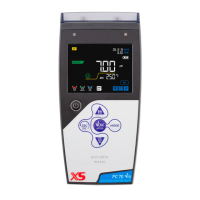
pH 60 VioLab; PC 60 VioLab
On this series of devices, it is possible to use pH sensors with integrated temperature probe or to connect
two different sensors. Connect the pH electrode to the BNC type connector marked in green. Connect the
temperature probe to the RCA / CINCH Temp connector always marked with a green background.
The instrument is also able to recognize the DHS sensor, an innovative electrode that stores calibration data
and that can be used immediately after on any enabled instrument.
• pH parameter Setup
• In measure mode press to access the SETUP menu.
• Press the button to access the pH SETTINGS P1.0 menu.
• Move with the keys and to select the program to access.
The table below shows the setup menu structure for the pH parameter, and for each program the options
that the user can choose and the default value:
• Composition of the setup Menu for pH parameter


 To Next Page
 Loading...