Xtreme Power Conversion Corporaon
TX91 3.8- 10kVA User’s Manual
Page 7
Uninterrupble Power Supply
2 Installaon
2.1 Unpacking and Inspecon
Unpack the package and check the package contents. The shipping package contains:
● One UPS
● One user manual
● One monitoring soware CD
● One RS-232 cable (opon)
● One USB cable
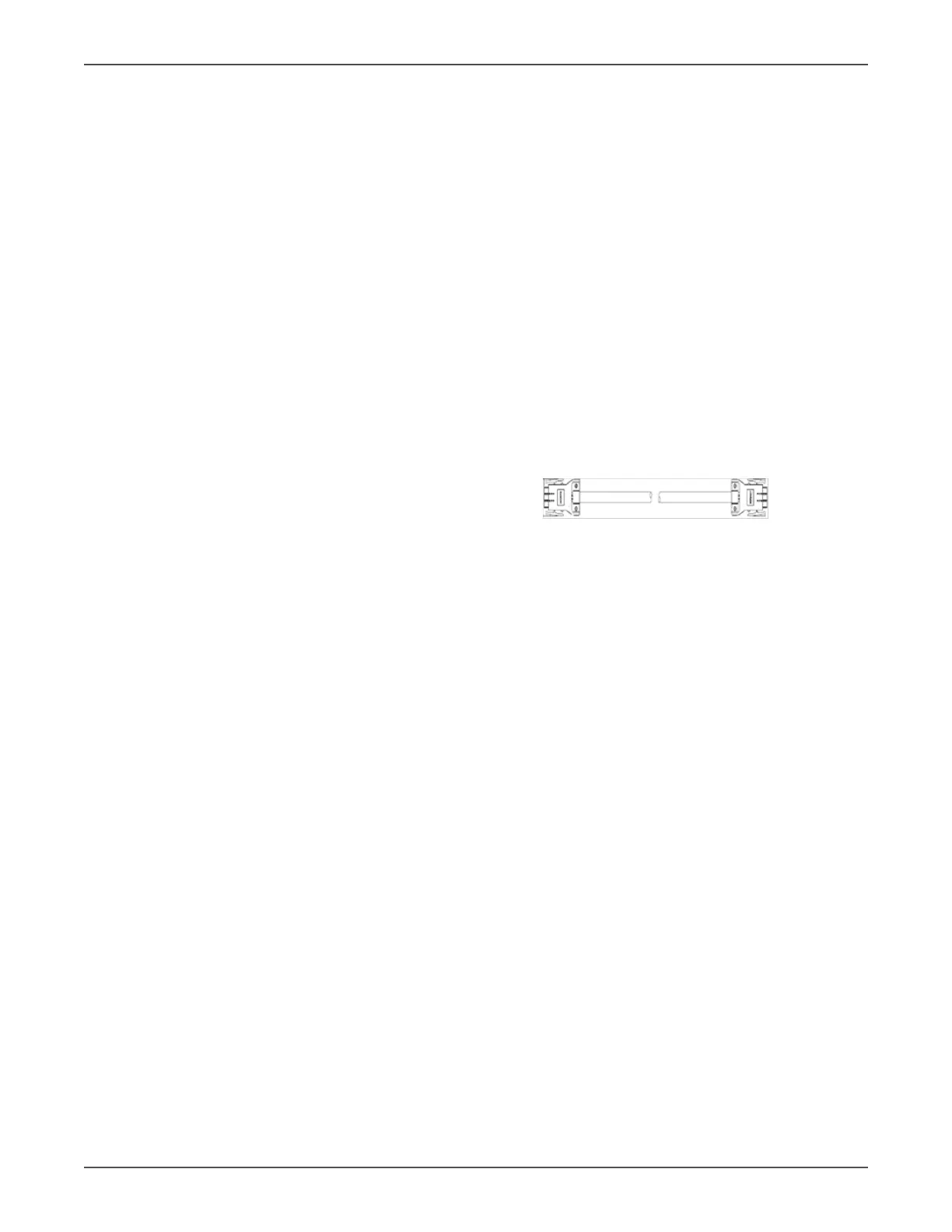
● One share current cable (only available for parallel model)
NOTE: Before installaon, please inspect the unit. Be sure that nothing inside the package is damaged during trans-
portaon. Do not turn on the unit and nofy the carrier and dealer immediately if there is any damage or lacking
of some parts. Please keep the original package in a safe place for future use.
Unpack the External Baery Pack (if supplied)
NOTE: Baery is very heavy so be cauous when unpacking and liing the unit to avoid injury
• External Baery Pack
• Quick Guide
• Baery connecon cable x 1
NOTE: Before installaon, please inspect the system components. Be sure that nothing inside the package was
damaged during transportaon. Do not turn on the UPS system and nofy the carrier and dealer immediately if
there is any damage or missing parts. Please keep the original packaging in a safe place for future use.



 To Next Page