Chapter 3 – Installation
3-13
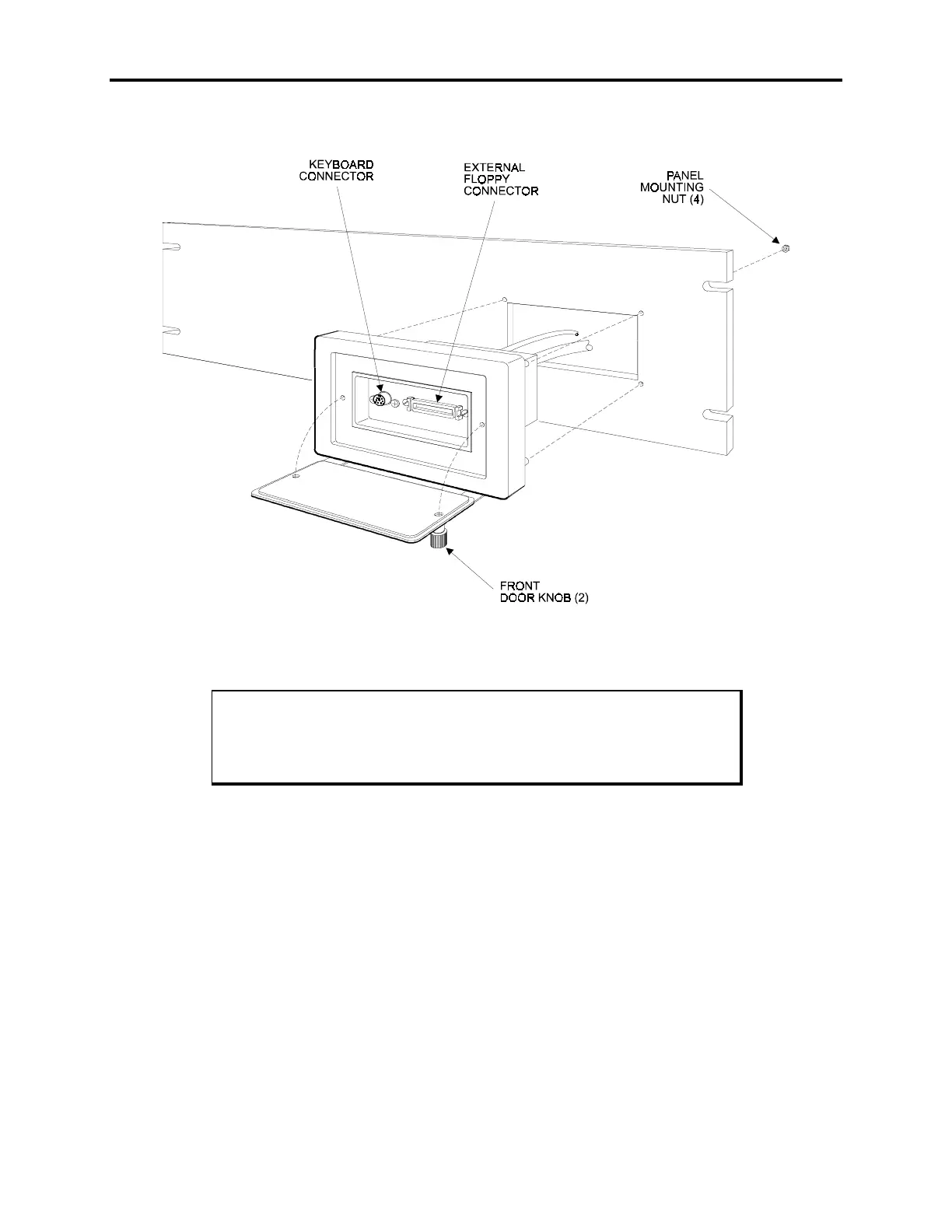
Figure Chapter 3 -10 illustrates the front floppy and keyboard access kit. Mount the kit
to the plate or the panel as shown.
Figure Chapter 3 -10. Front Floppy and Keyboard Access Option
Warning
To maintain a safe condition, do not use an external keyboard and/or
mouse port when the unit is operating in a hazardous environment.



 To Next Page