9460/9460KP/9462/9462KP System Manual
4-2
Startup
PKIM [| /t] runs the PKIM utility. The /t switch translates scan codes from keyboards
running in XT mode. Some systems initialize the keyboard to run in XT mode. In this case,
the scan codes read in from the keyboard when in Teach mode will not be correct unless
the utility is started with the /t switch.
Utility Batch Mode
A mode is also available for reprogramming keypads from a batch file. This feature is
useful if you wish to reprogram many units with customized keypad macros without hav-
ing to enter the full PKIM utility for each unit. Once the full utility has been used to create
and save keypad macros, the files containing these macros can be included on a disk with
the PKIM utility and then used to reprogram other units from a batch file.
The command PKIM filename runs the PKIM utility batch mode. Filename is the file
containing the new keypad macros. You must include the filename extension. For exam-
ple, the batch file PKIM def9462.pkm will reprogram the keypad with default values.
Main Menu
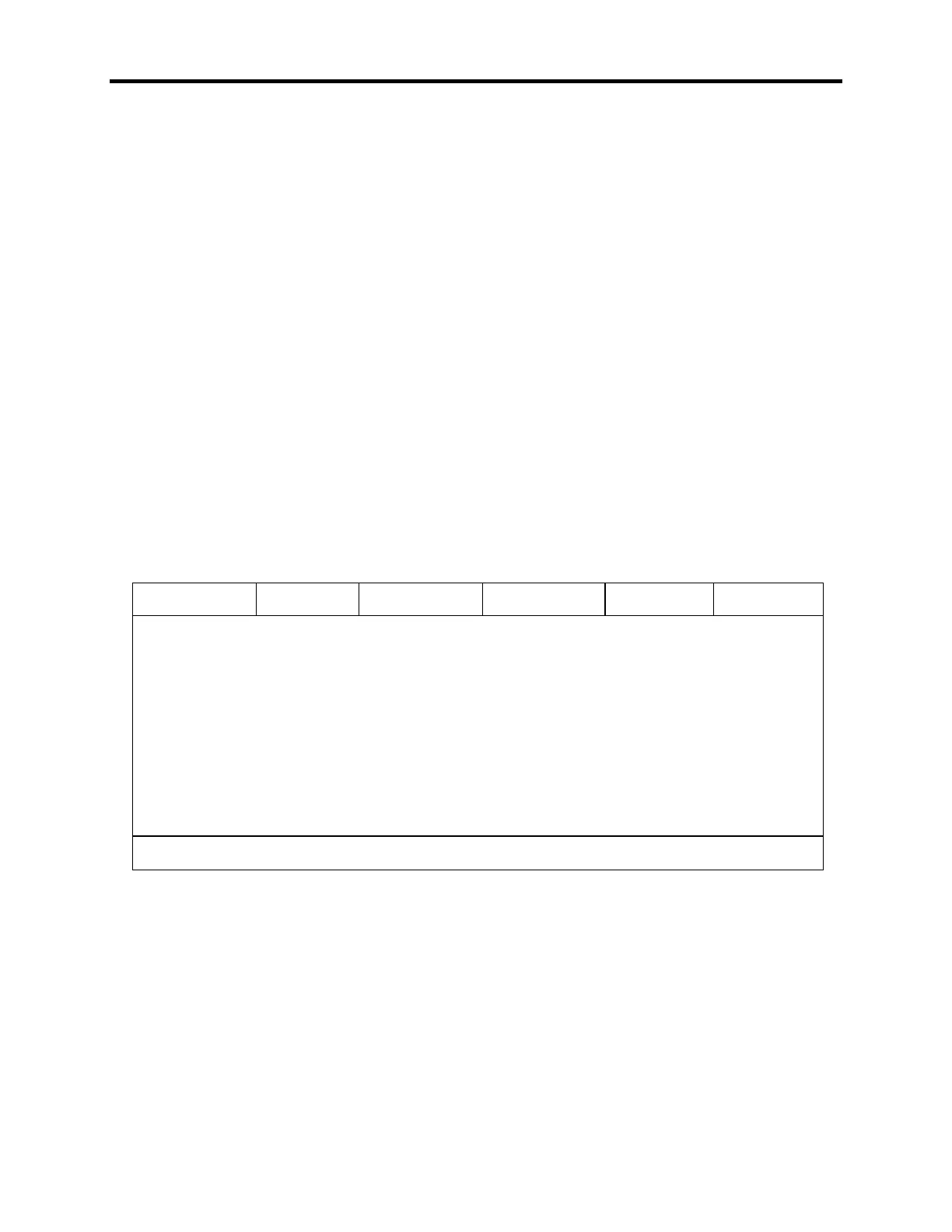
The Main Menu is shown illustrated in Figure Chapter 4 -1. Each menu option is de-
scribed in the next few paragraphs.
Exit Files Macros Upload Download Utilities
Xycom PKIM Utility: MAIN L-Arrow, R-Arrow, Enter
Figure Chapter 4 -1. Main Menu
Exit
Exit closes open files and exits the utility. ESC can also be used for this purpose and for
exiting the other menus.



 To Next Page