9460/9460KP/9462/9462KP System Manual
3-22
4.
Reconfigure Jumpers J1-J5. Position A = COM2. Position B = PS/2 mouse.
5.
Reinstall the touch screen controller card.
6.
Reboot the computer.
7.
Using the touch screen manual do the following:
•
Load the touch screen drivers.
•
Reconfigure the touch screen driver for COM2.
•
Recalibrate the touch screen.
8.
Replace the lid.
Using a Pointing Device with a Touch Screen
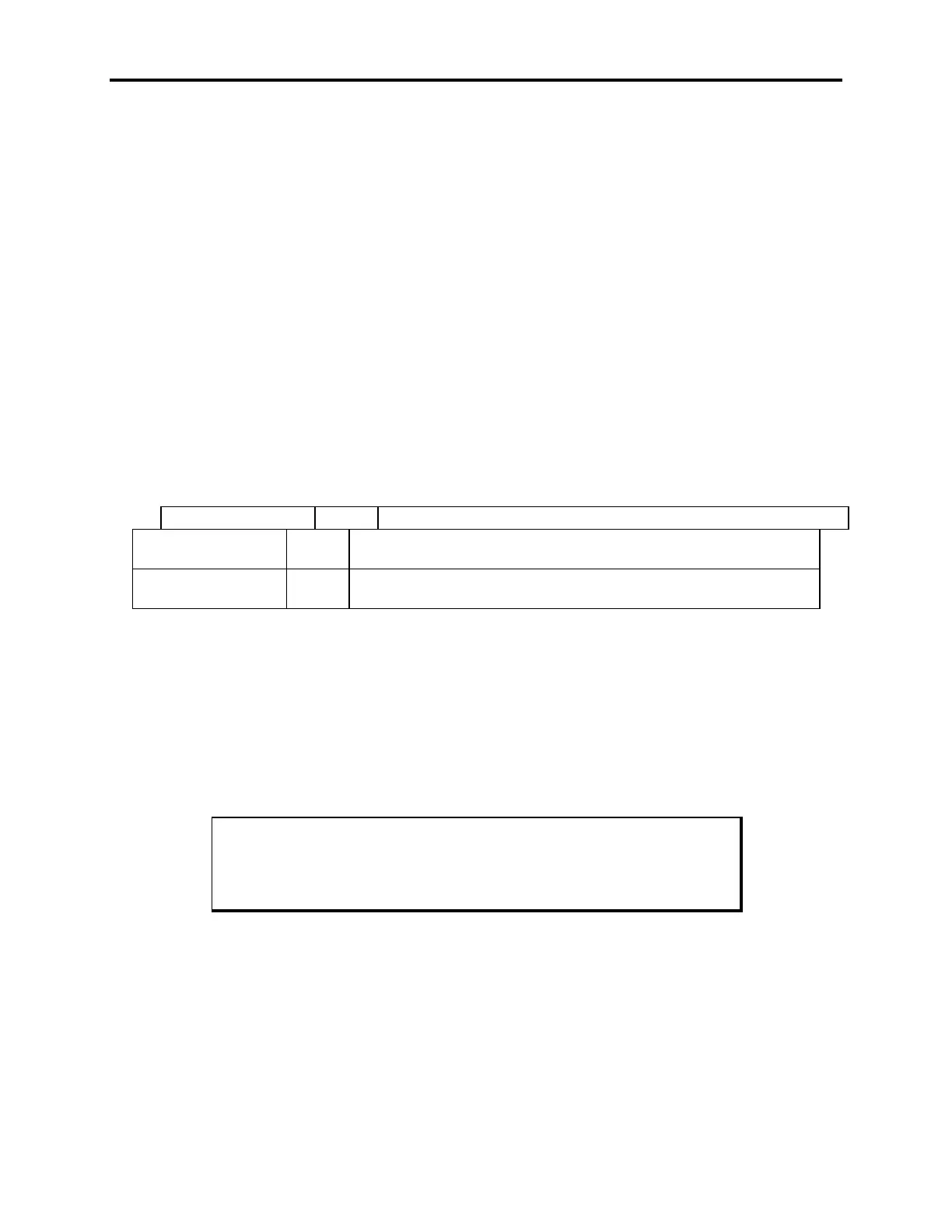
The touch screen setup program needs to know if you are using another pointing device
with the touch screen. The Windows touch screen driver does not display the cursor. In-
stead, the pointing device driver is responsible for displaying the cursor.
In the touch screen setup program,
Support for Another Pointing Device,
select the fol-
lowing:
If you are Select Result
using a mouse with
the touch screen
Yes The pointing device driver controls the cursor display
not using a mouse No The Setup program loads a cursor display driver
(MTSMOUSE.DRV) as well as the Windows touch screen driver
Calibrating the Touch Screen
If you need to recalibrate the touch screen, refer to the sections in the touch screen man-
ual that explain calibration and using the diagnostic utility.
You need to calibrate the touch screen if
•
The cursor does not follow the movement of your finger or pen.
•
You adjust the size of the video image or change the video mode.
Note
The touch screen and controller are a matched pair calibrated at the fac-
tory.
Installing the System into a Panel
The system’s rugged design allows it to be installed in most industrial environments. The
system is generally placed in a NEMA 4/4X/12 enclosure to protect against contaminants
such as dust, moisture, etc. Metal enclosures also help minimize the effects of electro-
magnetic radiation that nearby equipment can generate.



 To Next Page