58
9.23 Submenu - RS 485 Interface
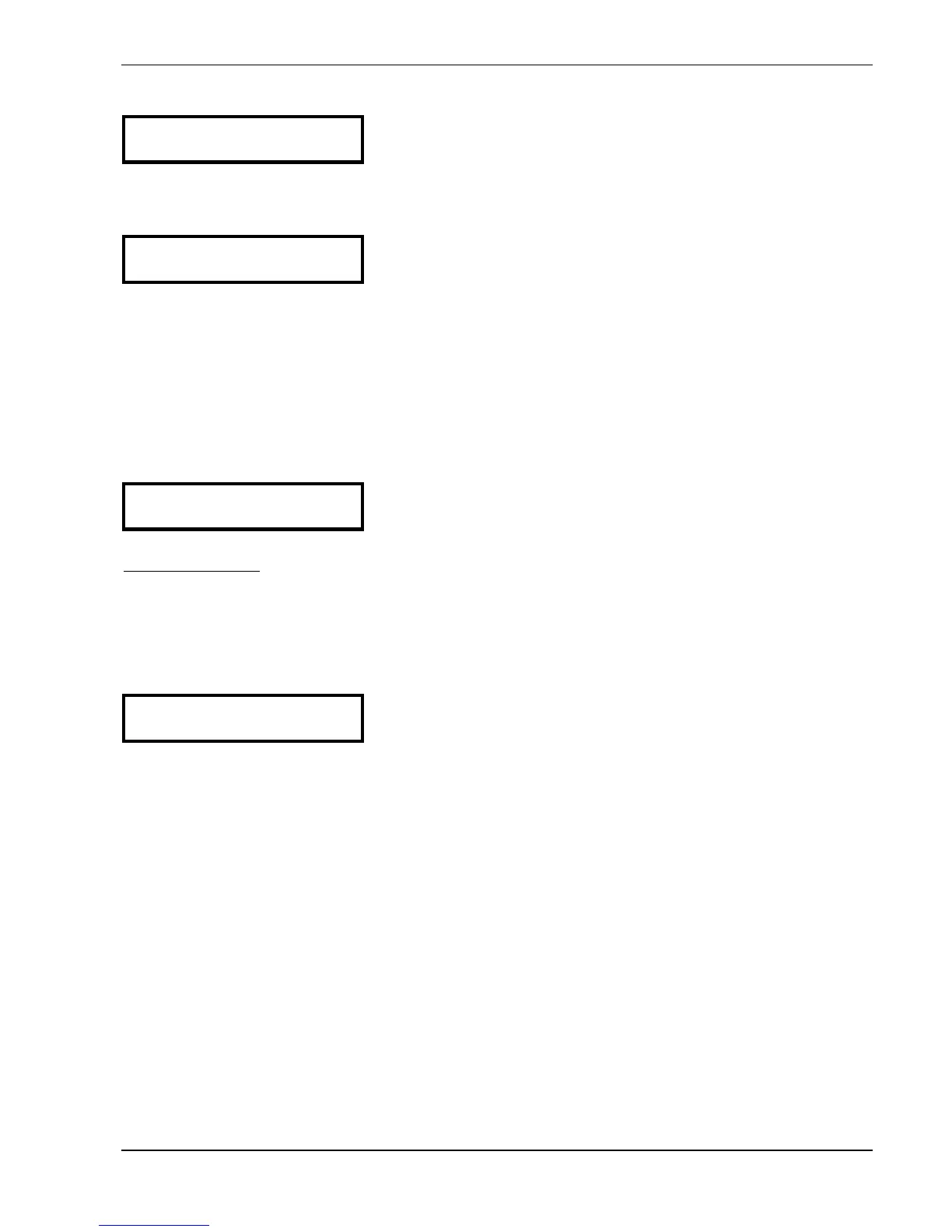
S U B M E N U
RS 485-Interface
Press ¾ for about 3 seconds to enter the submenu
Press the ¾ button shortly to change to the next
parameter (-> chapter 9.24)
9.23.1 Pump Address
PUMP-ADDRESS
OFF
If only one pump is used, the setting remains OFF.
If several pumps are connected via the RS-485 interface (max. 4) each pump must be
allocated its own pump-address number (1-4). Address 5 is reserved for an external
control device.
Each address may only be used once!
Press the ¾ button to change to the next parameter
9.23.2 ADC Reference
ADC REFERENCE
Local
Reference for the local ADC (Analogue/Digital-Converter)
or SIO (RS485 interface).
Possible Settings:
LOCAL: Actual value sensor (Terminal X1/ 1-2)
REMOTE: Actual value via RS-485 (Terminal X5 or X6/ 1-2-3)
To leave the submenu press ¾ longer than 3 seconds to change to
S U B M E N U
RS 485-Interface
Press the ¾ button to change to the next parameter





 To Next Page