125
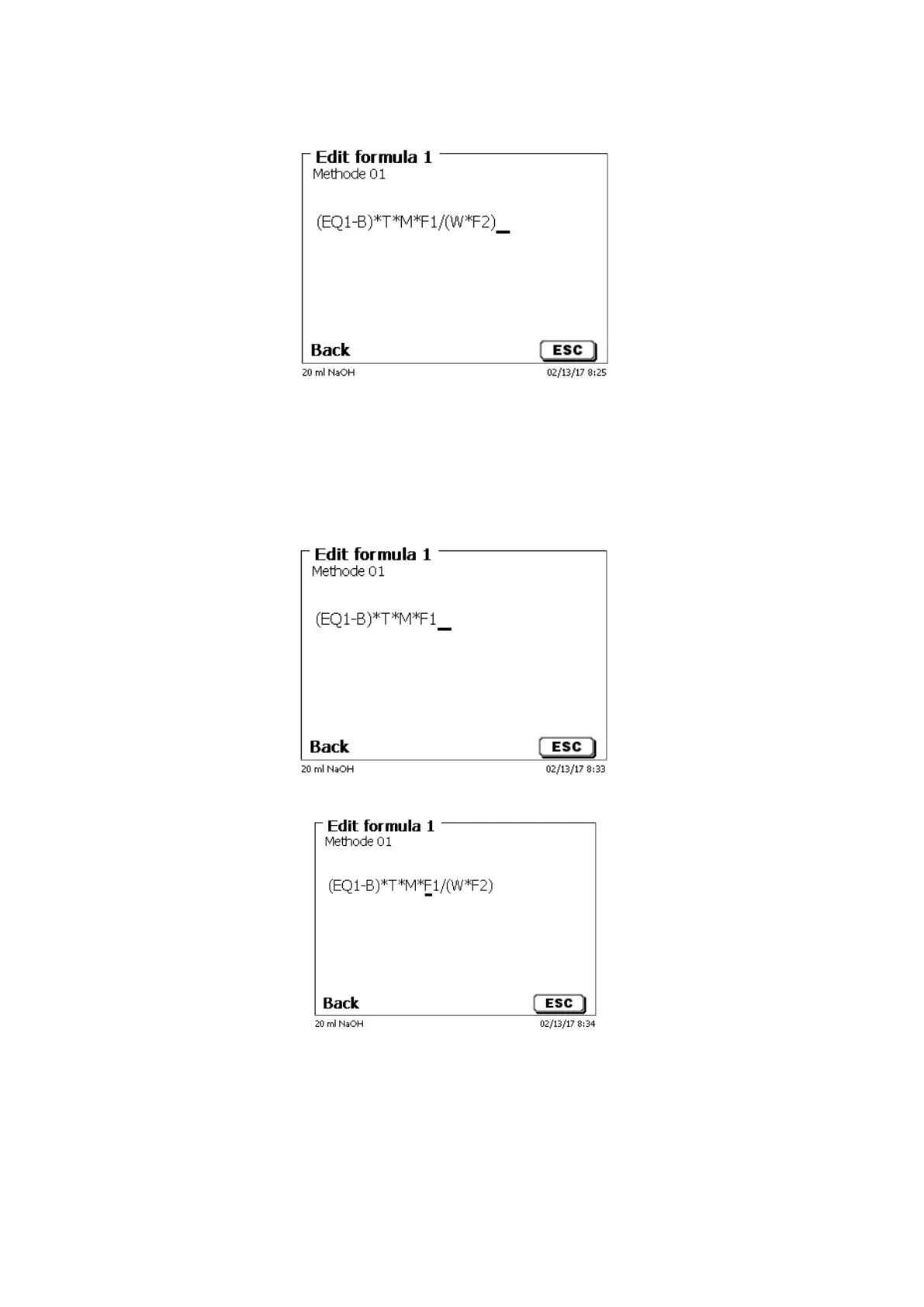
If you select «Edit formula» and confirm it with <ENTER>/<OK> the currently selected formula is displayed
(Fig. 89).
Fig. 83
The formula (EQ1-B)*T*M*F1/W*F2) can now be changed and confirmed with <ENTER>/<OK> after the change.
If you leave the editor with <ESC> the formula remains unchanged.
You can use the backspace key to delete the formula characters from the end (Fig. 84) or use the curser left
and right keys to select the locations and then use the <DELETE> key to delete the selected formula character or
a value (Fig. 85 and Fig. 86).
Fig. 84
Fig. 85


 To Next Page