Basic Operations
Power On / Off
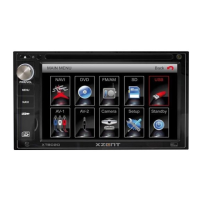
Press the POWER OFF /VOL button to turn the unit on. The buttons on the front panel of the unit
are illuminated and start up message is briefly displayed on the LCD screen, and then displays the current
mode status. You can also turn on the unit by pressing the POWER button ( ) on the remote control.
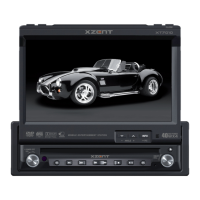
Press and hold the POWER OFF /VOL button on the front panel for more than 1 second or
press the POWER button ( ) on the remote control to power off the unit. The monitor is drawn
back into the main compartment and the LCD screen displays “BYE BYE”.
Playing Source Selection
Press the MODE button on the front panel or the (SRC) button on the remote control to change
among available playing sources: TUNER, DVD, AUX IN. The playing mode is displayed on the TFT
display.
Volume Adjustment
To increase or decrease the volume level, turn the POWER OFF /VOL on the front panel or press
the (VOL+/ VOL-) buttons on the remote control. The volume ranges from “0” to “40”. The default
volume is “10” when the unit is powered on each time. Default volume memory setup: Rotate
Power Off/VOL knob on the front panel to select volume value and then press and hold the Power
Off/VOL button until you hear a single beep. When you hear the beep, setup is completed.
Audio Control Menu
The audio control feature allows you to easily adjust your audio system to meet the acoustical
characteristics of your vehicle, which vary depending on the type of vehicle and its measure-
ments. To get the best possible sound quality from your new system, be sure to adjust the settings
for the speakers as well. Proper setting of the fader and balance boosts the effects of the cabin
equalizer.
Audio adjustments
Audio Function Adjustable Range
EQ Folk
Jazz
Pop
Classical
Rock
News
Urban
Rave
Movie
Techno
User
BASS -7 to +7
TREBLE -7 to +7
BAL -9 to +9
FADE -9 to +9
SW -7 to +7
LOUD off, on
12


 To Next Page