Troubleshooting
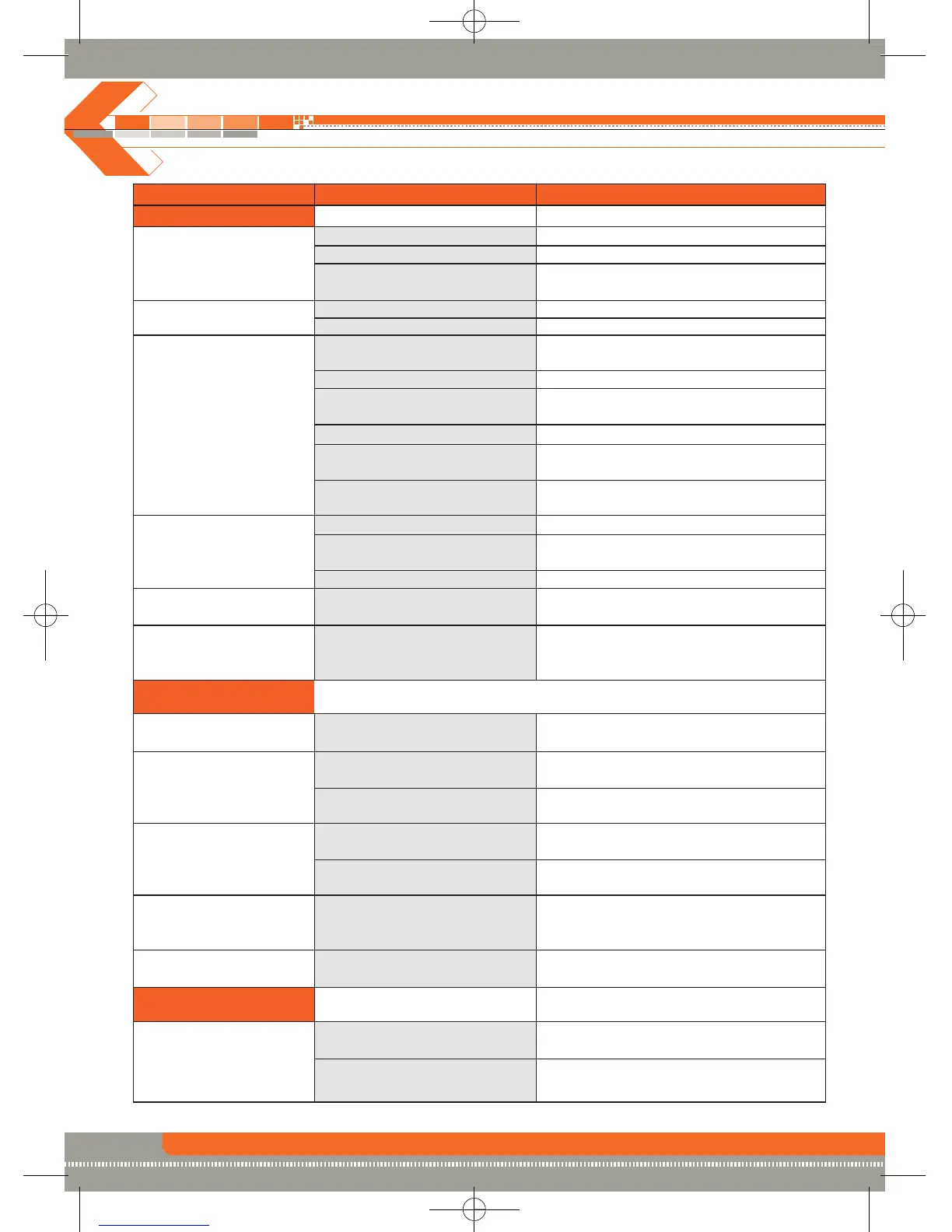
Problem Cause Corrective Action
GENERAL
Unit will not power on Radio fuse blown Install new fuse with correct rating
Car battery fuse blown Install new fuse with correct rating
Illegal operation Press the RESET button located in the
bottom right corner of the front panel
Remote control Battery depleted Replace battery with new one
does work Battery installed incorrectly Remove battery and install correctly
No/low audio output Improper audio output Check wiring and correct
connection
Volume set too low Increase volume level
Improper “MUTE” connection Review wiring diagram and check
“MUTE” connection
Speakers damaged Replace speakers
Heavily biased volume balance Adjust the channel balance to the
center position
Speaker wiring is in contact Insulate all speaker wiring connections
with metal part of car
Poor sound quality Unauthorized disc is in use Use original copy
or distortion Speaker power rating not Connect proper speakers
compatible with unit
Speaker is shorted Check speaker connections
Tel-Mute malfunction “MUTE” wire is grounded Check that “MUTE” connection is not
grounded and that it’s properly insulated
Unit resets itself when Incorrect connection between Check wiring and correct
engine is off yellow memory wire and
positive battery wire
TFT MONITOR
Monitor does not open TFT Auto Open is turned off Turn TFT Auto Open on
automatically
No image Incorrect connection of Check wiring and correct
parking brake wire
PRK SW is activated and Stop vehicle in safe place and apply
parking brake is not engaged parking brake
Flashing image or DVD is not compatible with Change setup to accommodate disc
interference appears current TV system settings
on screen Improper video signal Check wiring and correct
connections
Prolonged image Improper aspect ratio setup Use correct aspect ratio setting
or improper height/
width ratio display
Monitor stops at Moving path is blocked Press OPEN key to restart monitor
incorrect position movement
TUNER
Weak station searching Auto antenna is not fully Connect the auto antenna control cable
extended properly
Auto antenna not properly Connect the auto antenna control cable
connected properly
30


 To Next Page