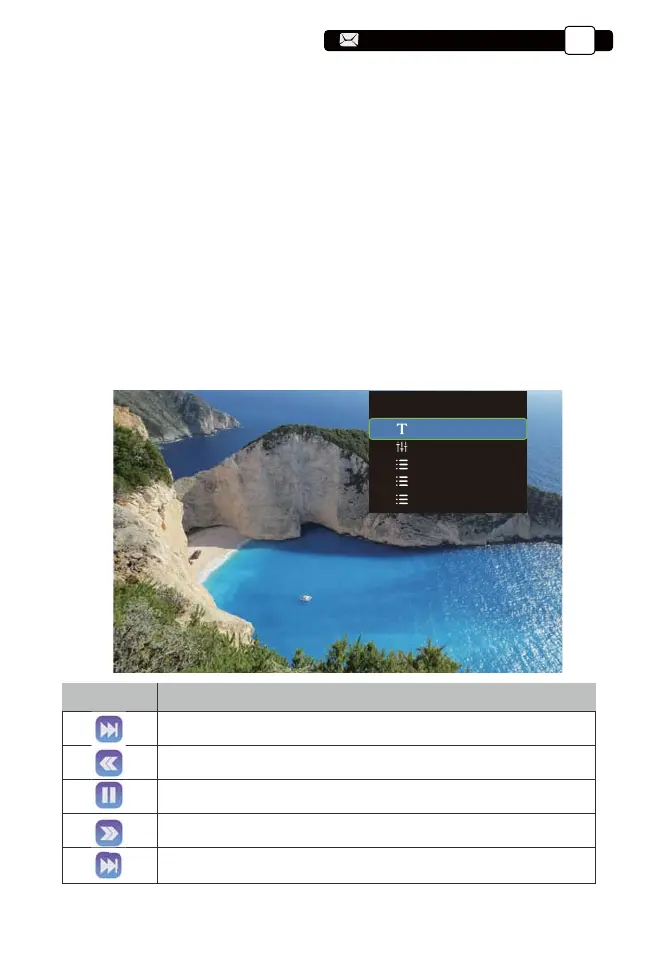
2.2. Video Interface
Menu
Function
Switch to the previous video
Fast Backward,rewinds the video back quickly while playing it.
The rewinding speed ranges from 2X to 32X
Play or pause the current videot
Fast Forward, pushes the video to move forward quickly while
playing it. The forward speed ranges from 2X to 16X
Switch to the next video
2. USB Disk Input Mode
1). Input the USB Disk,Select the option [ Video/Music/Picture/Office ];
2). Select the desired file (or folder to enter the subfolder) in the USB disk,
then press the [ OK ] button to play it.
TIPS:
A.Pro U9 upgraded projector supports U disk to directly play PPT, Word,
Excel files;
B.If you enter from the [Video] menu, you can only play the video, The same
as other 3 option.
2.1. Play Video/Music/Picture/Office in the USB Disk Input Mode
Player Menu
Subtitle options
Audio options
Advanced options
Screen Scale
Speed
Support@yabertech.com
EN
11
aftersales@yabertech.com



 To Next Page