196 Chapter 9—Component Guide Part II
DME32—Owner’s Manual
Deleting User Modules
Previously saved User Module files can be deleted as follows.
1 Select a User Module.
The Delete function does not affect User Modules used in the configuration.
2 Choose Module from the Edit menu.
Alternatively, choose Module from the Shortcut menu.
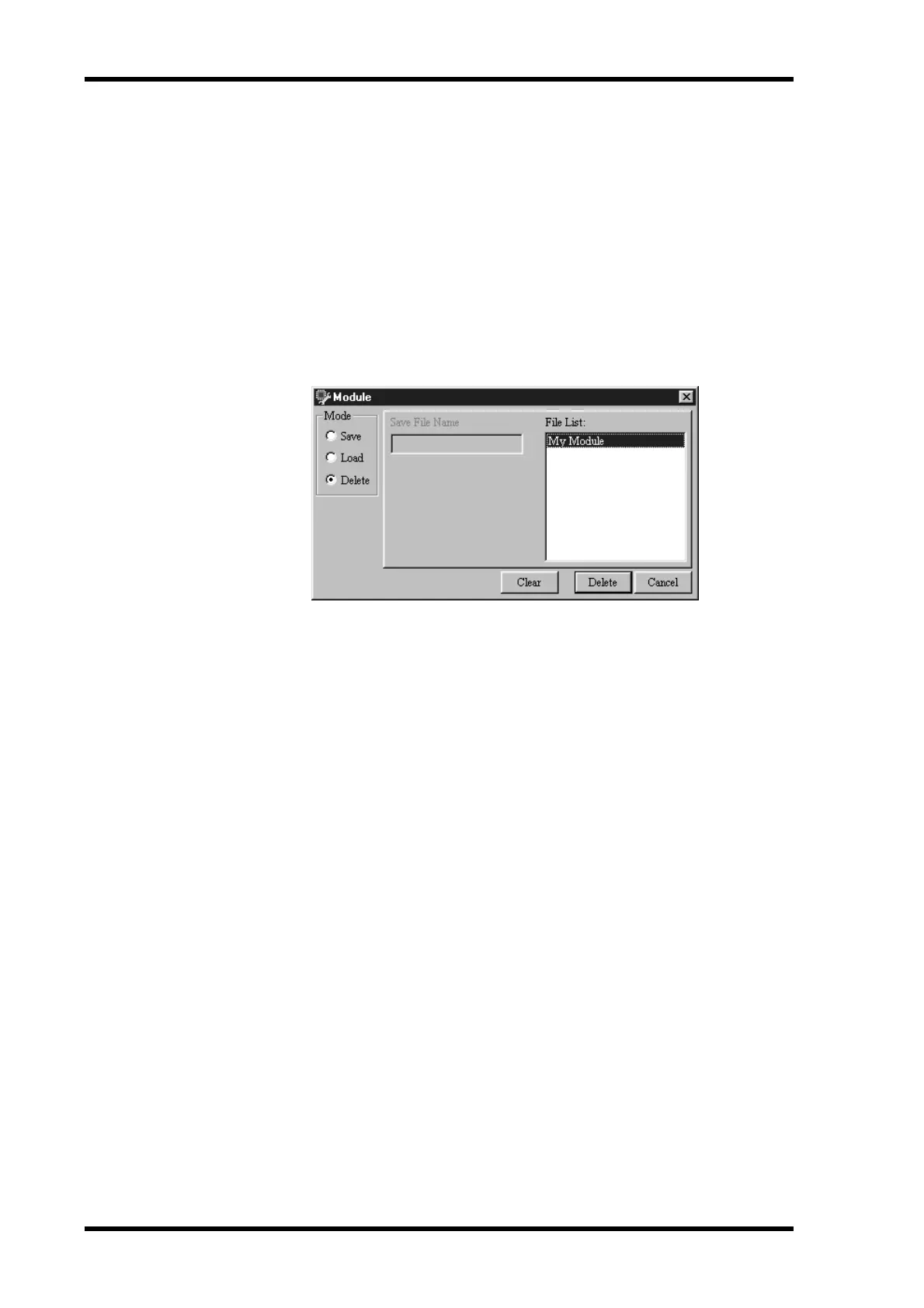
The Module window appears.
3 In the Mode section, select Delete.
4 Select the module that you want to delete from the File List, as shown below.
Click the Clear button to cancel your selection if you want to select another module.
5 Click Delete.
The selected module is deleted.


 To Next Page