Receiving Configurations from the DME32 63
DME32—Owner’s Manual
Receiving Configurations from the DME32
This section explains how to receive configurations from the DME32. The two config-
urations can be received individually or together. When a configuration is received
from the DME32, all its scenes are received as well.
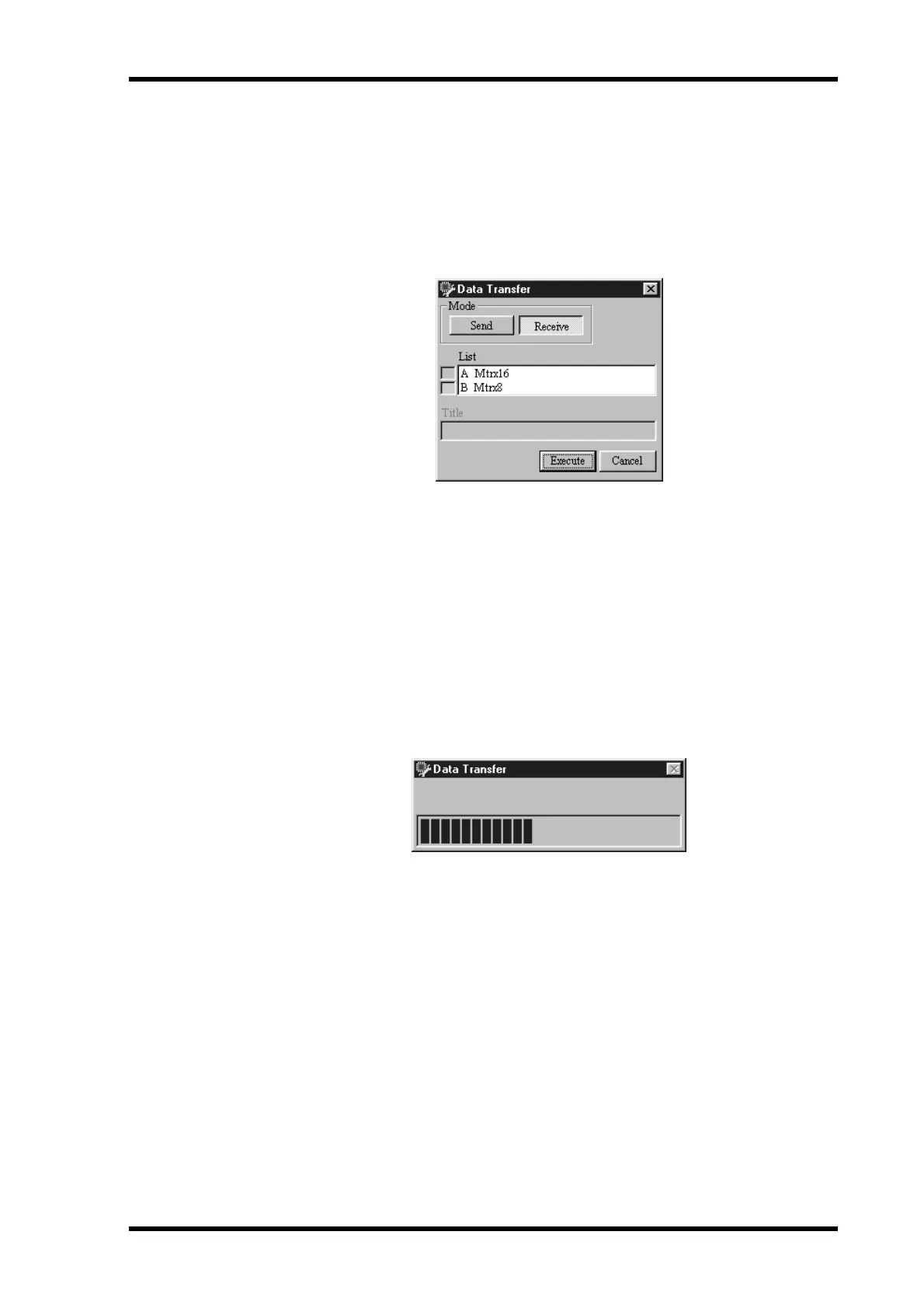
1 Choose Data Transfer from the File menu.
The Data Transfer window appears, as shown below.
2 In the Mode section, click Receive.
3 From the List, select the DME32 configuration you want to receive.
The List shows the titles of the configurations stored in the DME32. The title of the cur-
rent configuration has a green indicator next to it. If no data is stored in a memory, the
title “NO DATA” is displayed.
Both configurations can be selected by holding down the Shift key and selecting with
the mouse.
4 Click Execute.
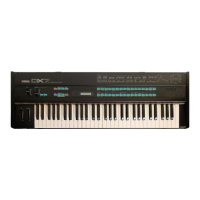
The selected configuration is received and the configuration transfer progress indicator
appears, as shown below.
When the transfer is complete, the transfer progress indicator closes.
The received configuration appears in a new configuration window and the number
and title of the configuration and the current scene appear in the title bar.
5 Click Cancel to close the Data Transfer window.
The Data Transfer window closes.


 To Next Page