Formatting PC Cards 223
DME32—Owner’s Manual
Formatting PC Cards
New PC Cards, and cards that have been used with other equipment must be formatted
before they can be used with the DME32.
1 Insert the PC Card into the DME32 CARD slot.
2 Use the [UTILITY] button to select the “Card Format” function.
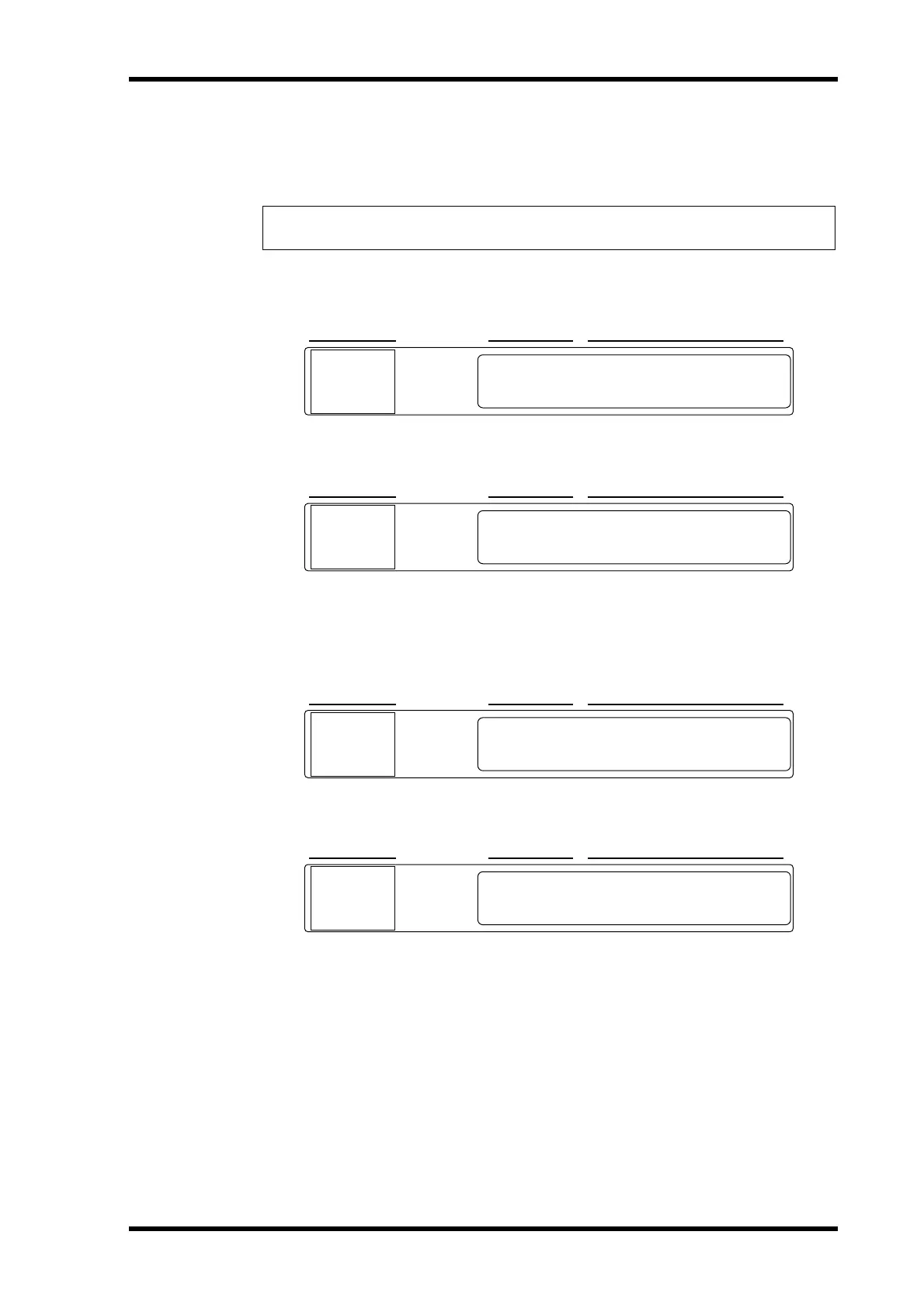
3 Press the [VALUE] button and the following display appears.
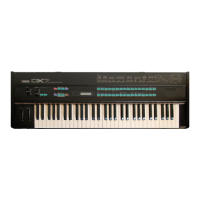
4 Press the [VALUE] button to format the PC Card, or the [PARAMETER] button
to return to the previous display.
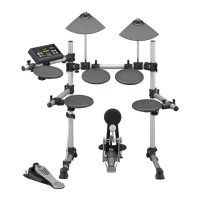
The following display appears while the PC Card is being formatted.
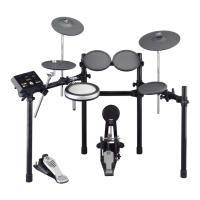
When formatting is complete, the following display appears.
The PC Card is now ready for use.
5 Press the [UTILITY] button until the UTILITY indicator goes out.
Note: Formatting erases all previously stored data, so if you’re reusing a PC Card, make
sure that it contains no important data before formatting.
SCENE NO. CONFIGURATION SCENE
XXXOk?XXXXXXXXXXXXYes
CardXFormat
0
i
SCENE NO. CONFIGURATION SCENE
XSure?XXXXXNoXXXXXYes
CardXFormat
0
i
SCENE NO. CONFIGURATION SCENE
Execute
CardXFormat
0
i
SCENE NO. CONFIGURATION SCENE
Complete
CardXFormat
0
i


 To Next Page