66 Chapter 6—Running the System
DME32—Owner’s Manual
Selecting Run Mode
Run mode is used to control the DME32 system in real time, which includes editing
component parameters, storing and recalling scenes, and recalling configurations. In
Run mode, actions performed on DME Manager are reflected on the DME32 and vice
versa. Components and wires cannot be edited in this mode.
Run mode can only be selected when the current configuration window corresponds to
the current DME32 configuration. In order to achieve this you must transfer a config-
uration to the DME32, or receive a configuration from the DME32. All configuration
data can be received from the DME32 when DME Manager is started. See “Starting
DME Manager” on page 12 for more information. It can also be received manually. See
“Receiving Configurations from the DME32” on page 63 for more information.
When Run mode is selected with several configuration windows open, the configura-
tion and scene of the currently selected configuration window are selected on the
DME32. Once Run mode has been selected, other windows can be selected, but they
cannot be controlled. To control another DME32 configuration, recall it from the
DME32 front panel or the Run Mode Controller window, or temporarily switch to Edit
mode, select the other configuration window, and then switch back to Run mode.
1 To select Run mode, choose Run from the Mode menu.
Alternatively, choose Run mode from the Shortcut menu, Tool Bar, Tool Palette, or Alt
menu.
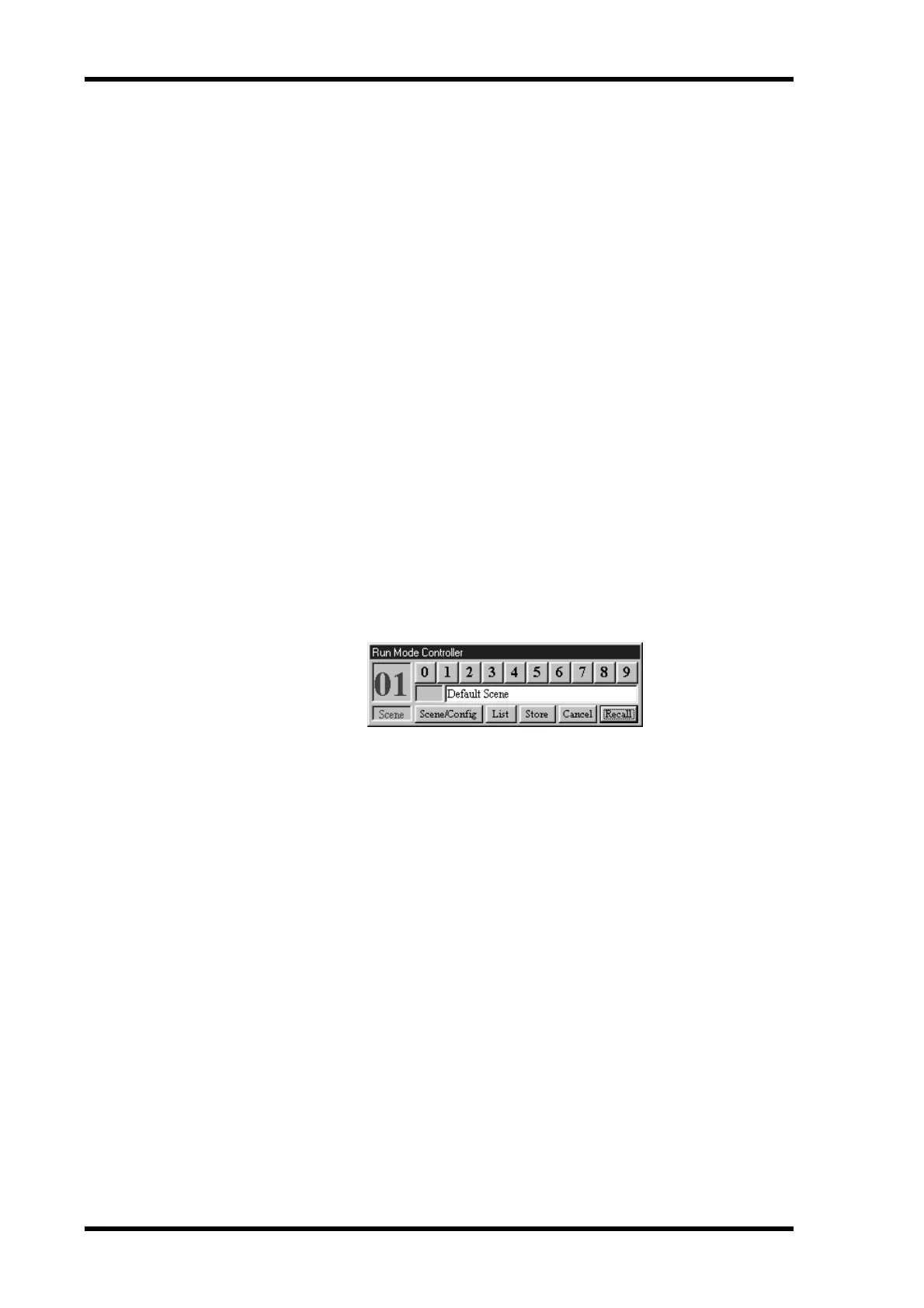
“Run” appears in the status bar and the Run Mode Controller appears, as shown below.
DME32 configurations can be recalled and scenes can be stored and recalled from this
window just like they can from the DME32 front panel.
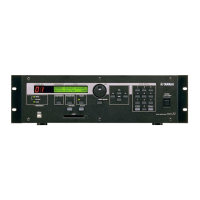
The DME32 switches to Run mode and displays the configuration title, scene title, and
the value of the selected component parameter. This is the first parameter of the first
component, unless the [USER DEFINE] button has been assigned, in which case, the
parameter assigned to that button is selected and the USER DEFINE indicator lights up.
This is the same as what happens when the DME32 is turned on without DME Manager
connected.
2 To leave Run mode, select another mode (e.g., Edit or Cable).
The Run Mode Controller disappears.
The status bar indicates the newly selected mode.
The DME32 displays the message “EDIT CONTROL.”


 To Next Page