Recalling Scenes 73
DME32—Owner’s Manual
Recalling Scenes from the List
1 Select Run mode.
See “Selecting Run Mode” on page 66 for more information.
The Run Mode Controller appears.
2 Click List.
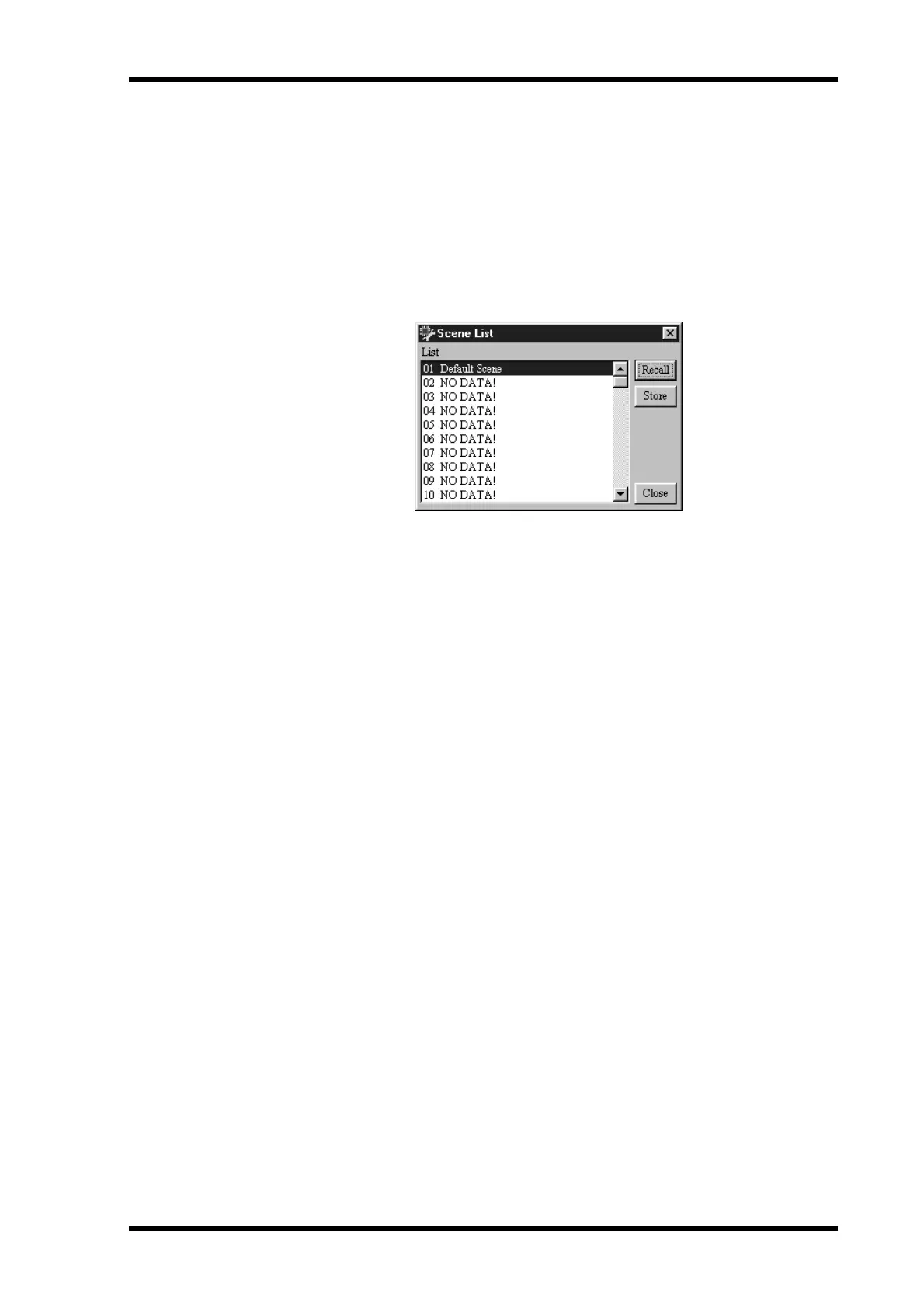
The Scene List appears.
3 Click the Scene tab if the Scene page is not already shown, as shown below.
4 Select a scene memory from the list.
5 Click Recall.
The selected scene is recalled on the DME32 and the component parameters are set
accordingly. The number and title of the scene appears on the DME32 display and the
Run Mode Controller.
The recalled scene becomes the current scene and its number and title appear in the
configuration window’s title bar. If DME Manager does not already have the scene data,
it retrieves it automatically from the DME32.


 To Next Page