EasyManua.ls Logo

Yamaha DTX-PRO - Adjusting Sound Effects (Kit Modifiers)

Yamaha DTX-PRO
80 pages
Print Icon
To Next Page IconTo Next Page
To Previous Page IconTo Previous Page
Loading...
30
DTX-PRO Owner’s Manual
Basic Operation of the DTX-PRO
Basic Guide
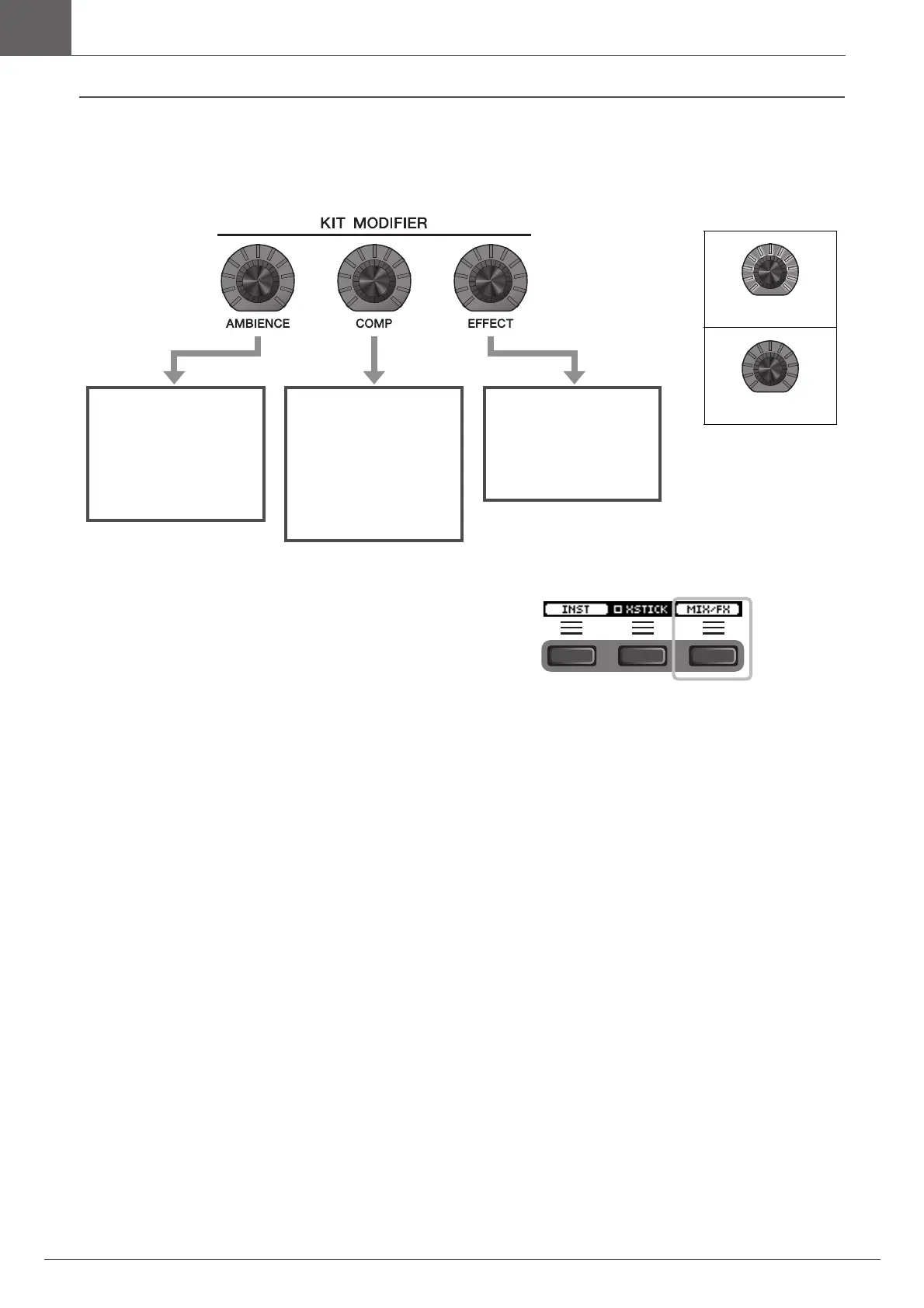
Adjusting (Modifying) the Sound Effects
The type of the effect controlled with the [EFFECT] knob can
be changed from the button below “MIX/FX” ([F3]).
For more information, see “Changing the Effect Type and Amount of Effect to Apply” (page 32).
[AMBIENCE] knob
Adjusts the amount
of ambience or the
reflective sounds of
the virtual room
[COMP] knob
Adjusts the amount
of compression or
the amount of the
punchiness or loud-
ness of the sound
[EFFECT] knob
Adjusts the amount
of other effects
assigned to the Kit
Maximum: All lit
Minimum: All off

Other manuals for Yamaha DTX-PRO

Related product manuals