33
DTX-PRO Owner’s Manual
Basic Operation of the DTX-PRO
Basic Guide
4.
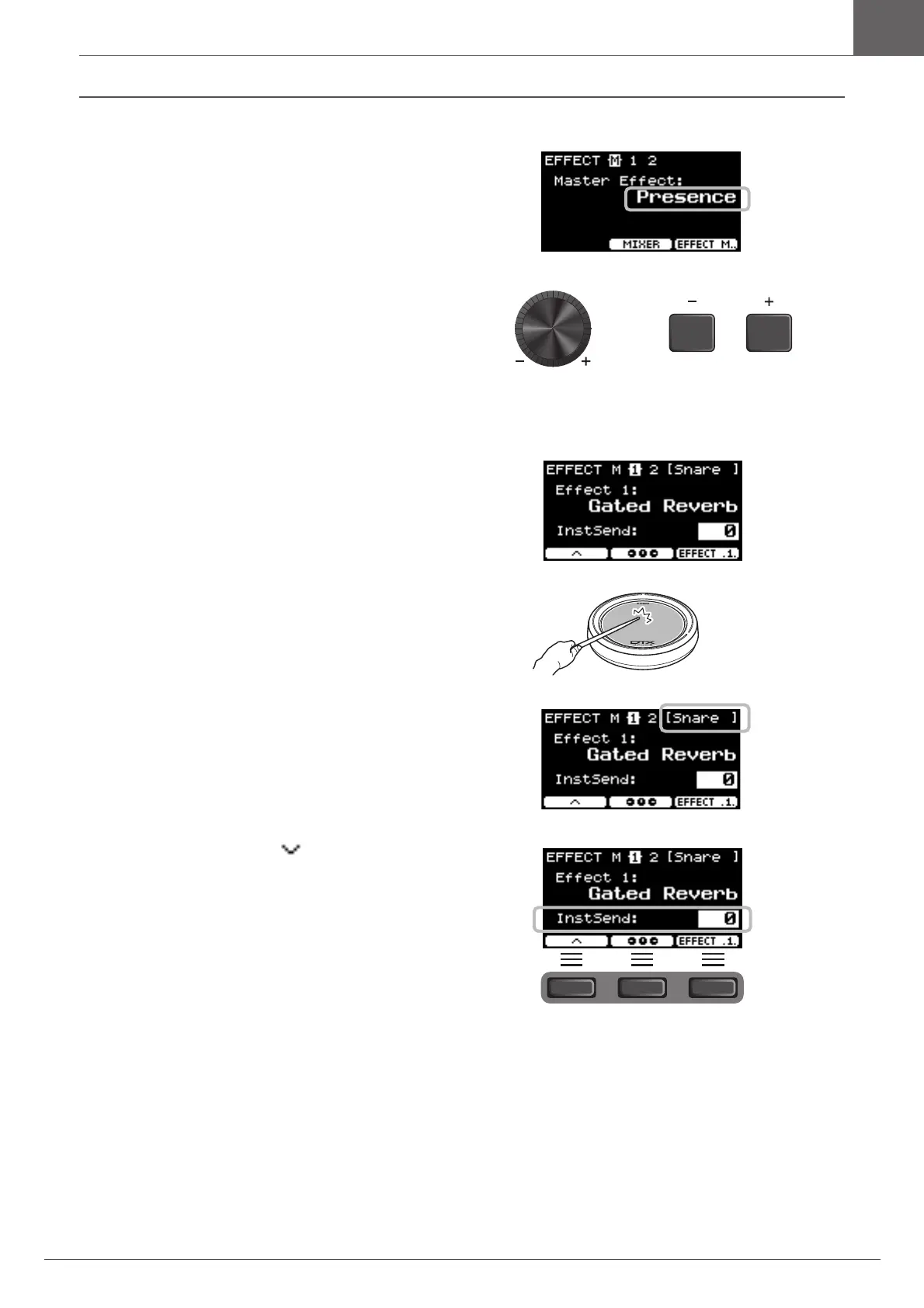
Use the [–] [+] controllers to select the effect
type.
For Effect 1 and Effect 2:
Set the amount of effect to apply to each Inst.
q Strike the pad whose instrument effect you wish to
change.
The pad name appears on the upper right corner of the
screen.
w Press the button below “ ” ([F1]) to move the cursor
to “InstSend.”



 To Next Page