27
MDR
Transmitting Bulk Data
1.
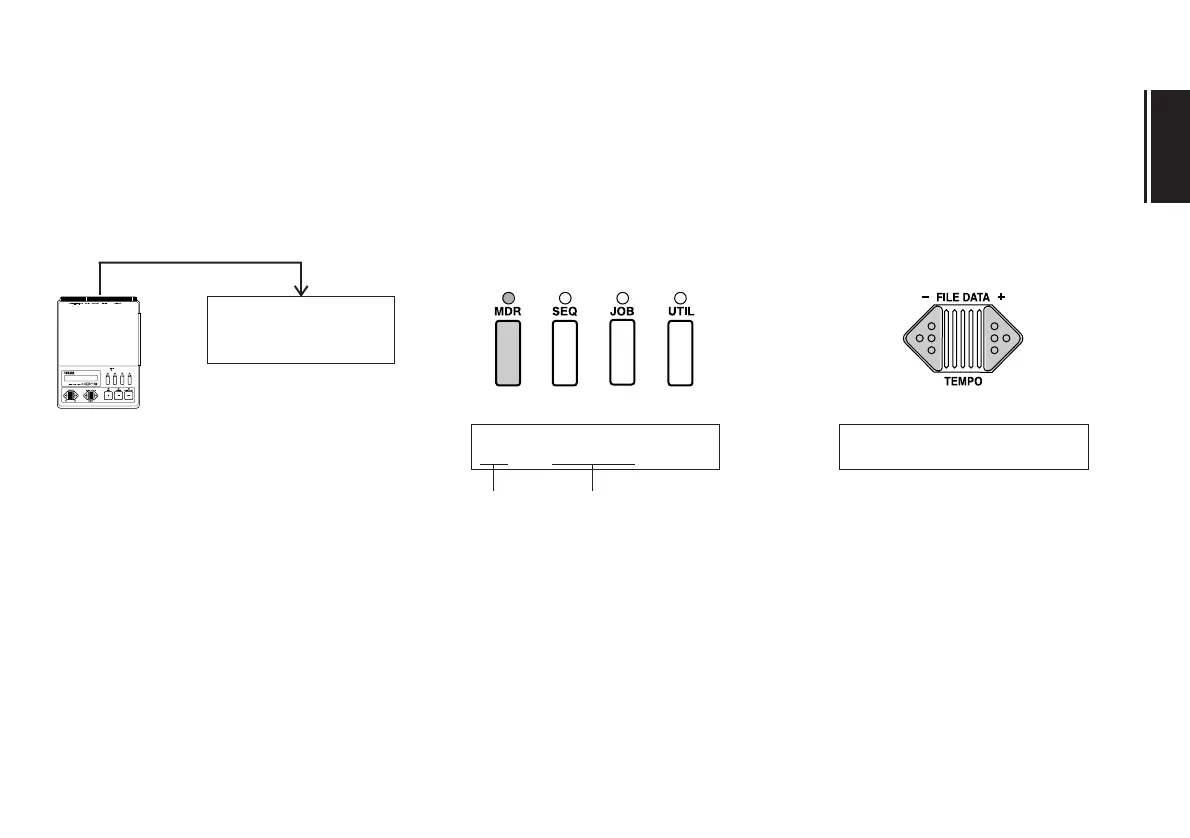
Check your MIDI connectoins.
The MIDI OUT jack of the MDF3 should
be connected to the MIDI IN jack of the
receiving device.
If you have not done already, place a disk
containing the bulk data in the MDF3
disk drive.
2.
Enter MDR mode.
Press the MDR key. The LED above the
key will light, and the name of the cur-
rently selected MDR data file will appear
in the LCD.
3.
Select a file to transmit.
Using the FILE DATA keys, select the file
to be transmitted.
MIDI OUT
external MIDI device
(keyboard, sequencer, etc.)
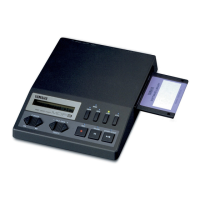
MDF3
MIDI cable
MIDI IN
~å
01~~~MDRå01 03~Pfåsound
file number file name


 To Next Page