52
~~~~~~~~~~~~~~~å
Apn:S01~SONG~S01
~å
Copying or Appending Files
The “Append” function lets you copy files, or append files to each other. If you
select two files which contain data as the source and destination files, the data from
the source file will be appended to the end of the destination file. If you select an
unused file as the destination file, the source file will be copied. (The copied file will
be given the same name as the source file.)
1.
In UTILITY mode, select
”03: Append”.
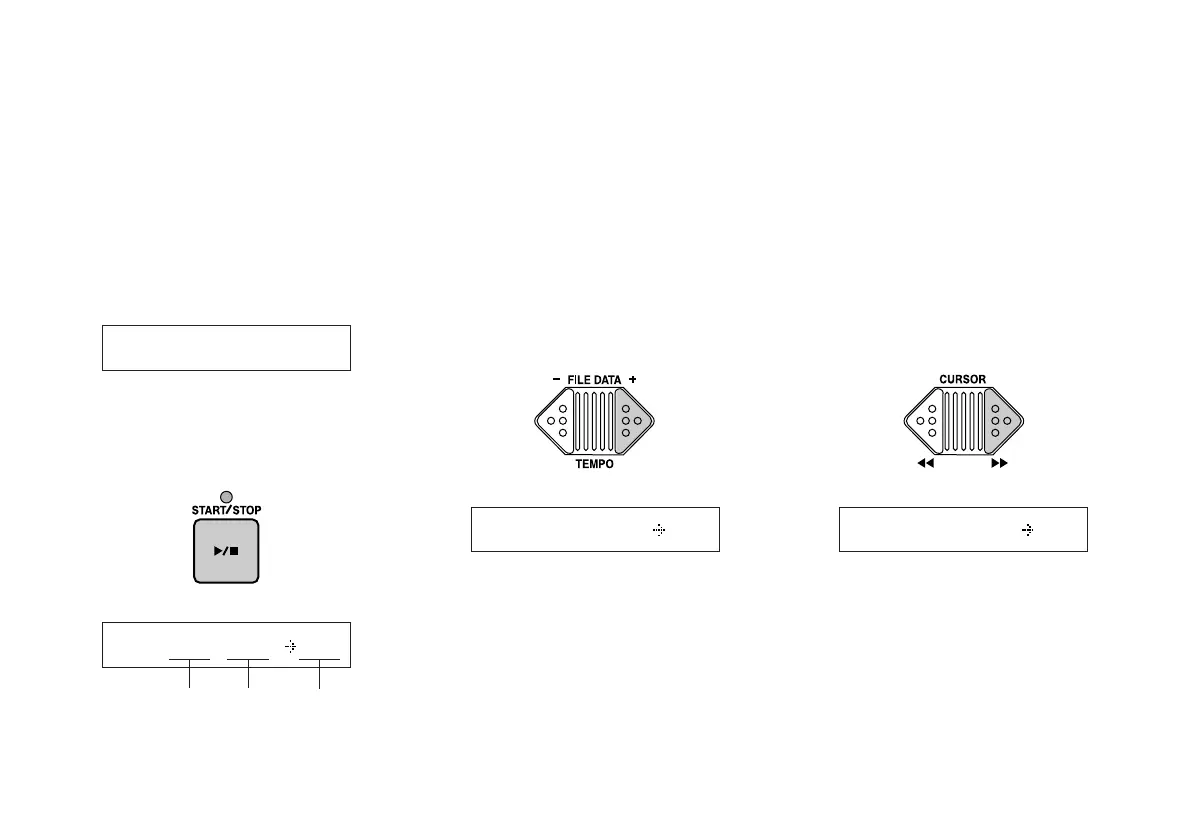
When you press the START/STOP key,
the following display will appear in the
LCD.
2.
Select a source file.
Using the FILE DATA keys, select the file
to be copied or appended.
3.
Move the cursor to the right.
Press the CURSOR [>>] key to move the
cursor to the destination file number.
~~~~~~å
03:~~~~~~~Append
Apn:M01~MDRå~M01
destination
file number
Apn:S01~SONG~S01
source file
number
source
file name
Note:
You can only copy or append files cre-
ated on the MDF3 (or the MDF2).


 To Next Page