54
Copying Disks
It is always a good idea to make backup copies of disks containing valuable data.
The “Backup” function helps you do this by copying all the data on one disk (which
is known as the “source” disk) to another disk (which is called the “target”).
1.
In UTILITY mode, select
”04: Backup”.
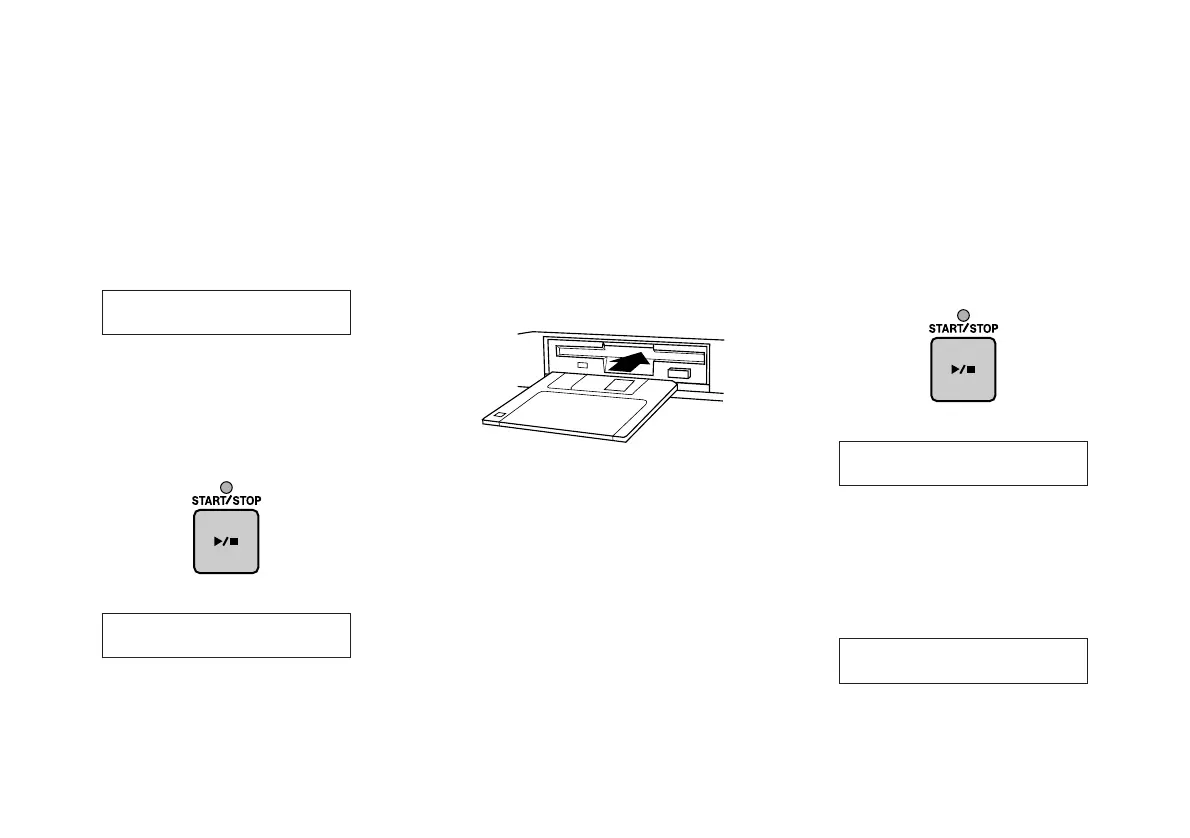
When you press the START/STOP key,
the following message will appear in the
LCD.
2.
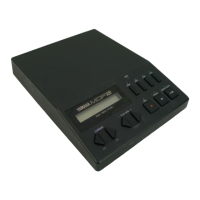
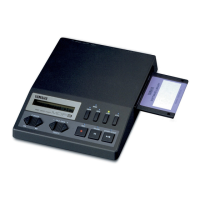
Insert the source disk.
Place the disk to be copied in the disk
drive.
3.
Press the START/STOP key.
The following display will appear as the
MDF3 reads data from the source disk.
After a few moments, the following mes-
sage will appear.
Insert~Source~!
04:~~~~~~~Backup
Now~reading...
Insert~Target~!


 To Next Page