48
~~~~~~å
Nam:xxx~xxxxxxxx
File Names in UTILITY Mode
SEQ data files, on the other hand, will be indicated by
the letter “S”:
The files will be displayed in numerical order. The MDR
files will appear first, and SEQ files will follow.
If there are no files on a disk, the following display will
appear when you select a UTILITY mode function.
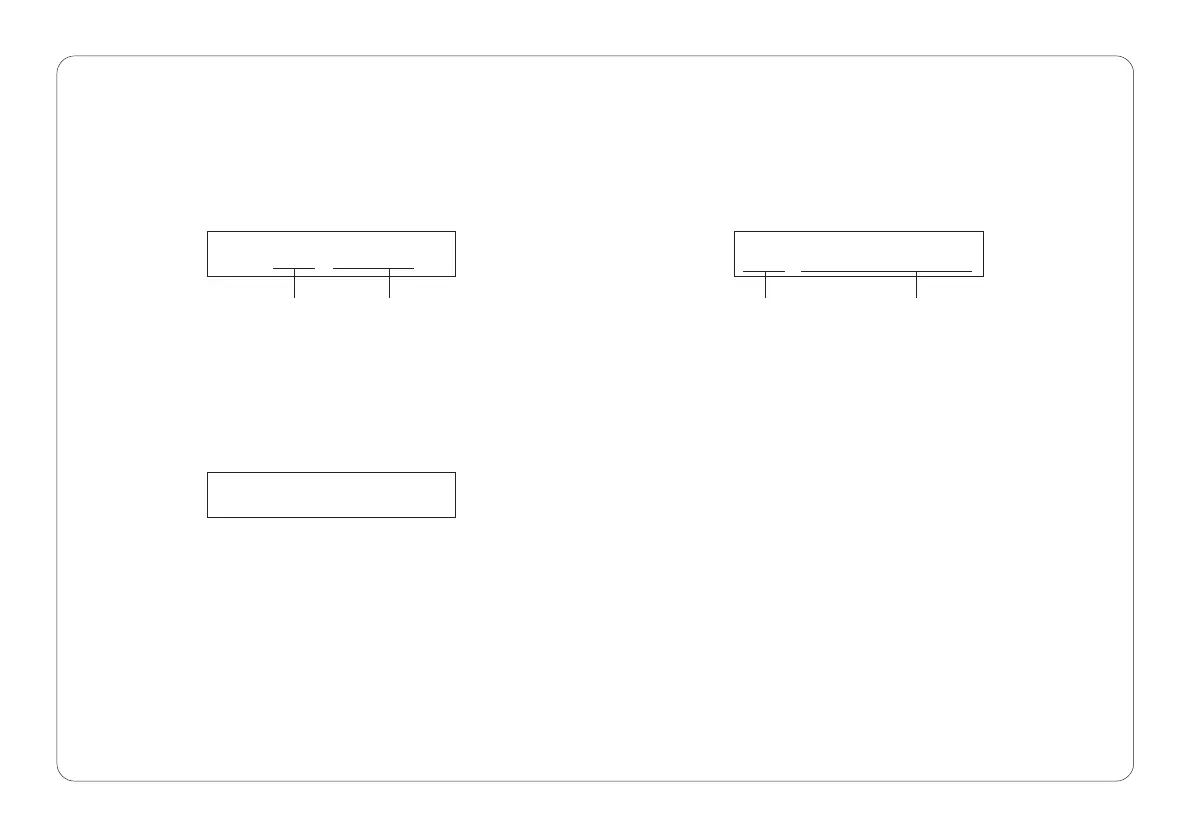
In UTILITY mode, file names appear differently than in
other modes. The letter “M” will appear before the file
numbers of MDR data files:
When this display appears, you can not utilize any of the
UTILITY mode functions.
Nam:M01~MDRå01
file number file name Selected function Indicates there is no file
Nam:S01~SONGå01


 To Next Page