41
JOB
Creating a Playback Program
The “Prog play” function lets you create a program of up to 99 SEQ files to be played
back in a specified order.
1.
In JOB mode, select
“02: Prog play”.
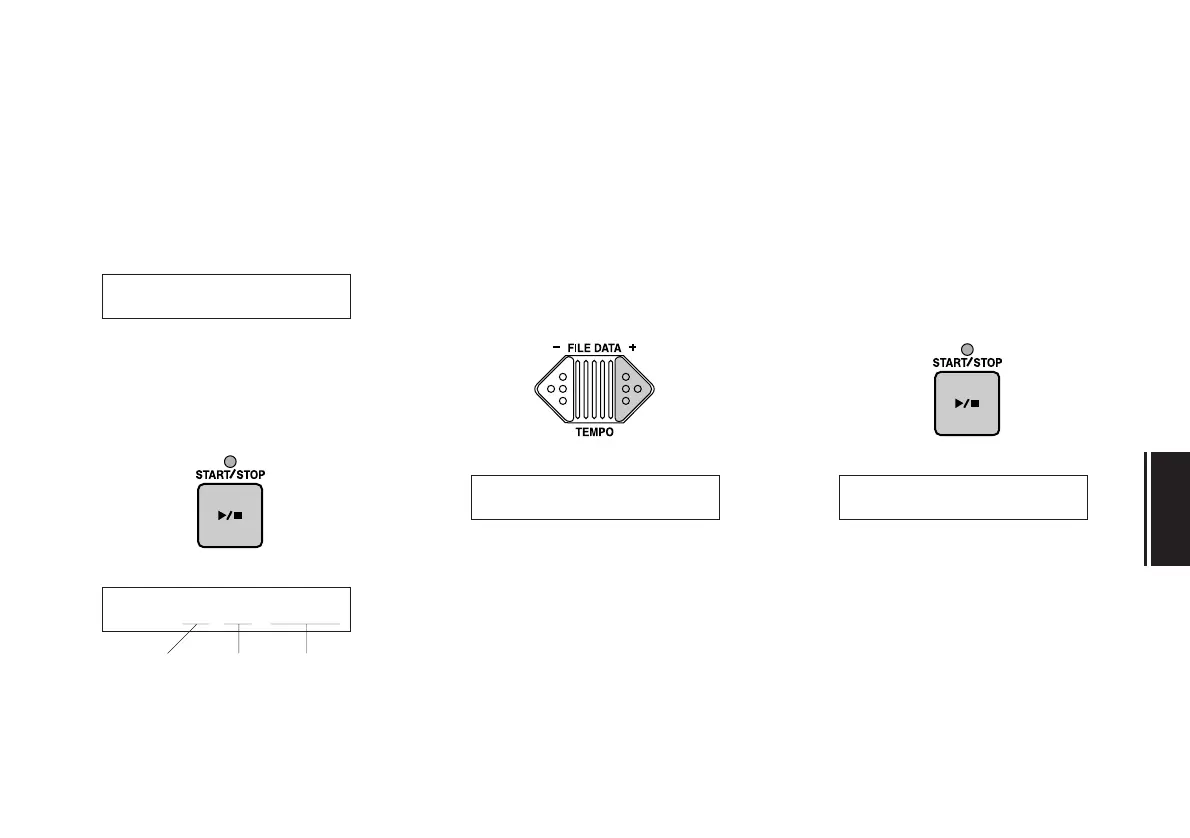
When you press the START/STOP key,
the following display will appear in the
LCD.
2.
Select a file.
Using the FILE DATA keys, select the
song to be played for the currently dis-
played program step.
3.
Press the START/STOP key.
Your setting for the step will be registered,
and the display will change to the next
step.
02:~~~~Prog~play
Prog:01=..~.....
program step
file name
file number
Prog:01=01~SONGå Prog:02=..~.....


 To Next Page