49
UTIL
~~~~~~å~~~~~~å
~~~~~~å
Renaming Files
You can give each MDR or SEQ file you create a unique name of up to eight charac-
ters. Doing so will make it much easier for you to select a desired file.
1.
In UTILITY mode, select
“01: Rename”
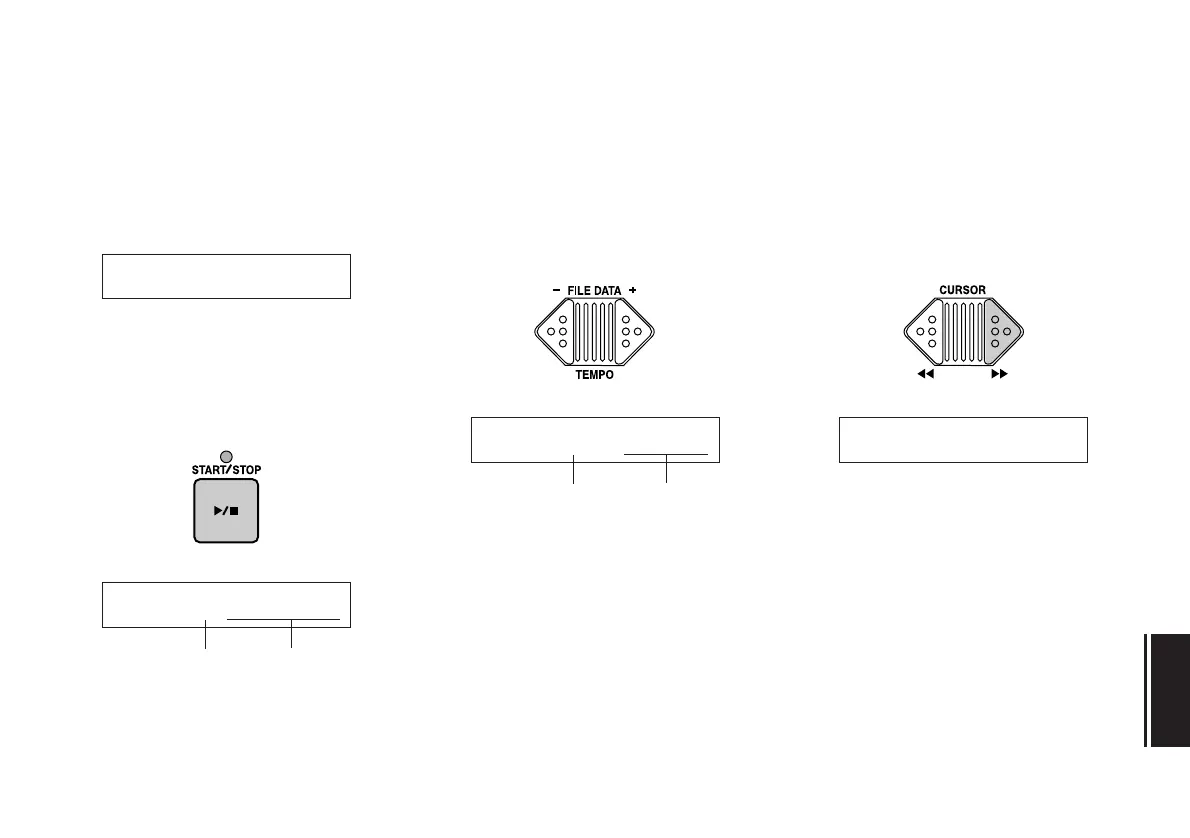
When you press the START/STOP key,
the name of the first file on the disk will
appear in the LCD.
2.
Select a file.
Using the FILE DATA keys, select a file
to rename.
Hint:
In addition to MDF3 (or MDF2) files,
you can also rename MDR files created by
the QX3. Other files cannot be renamed.
3.
Move the cursor to the file name.
Press the CURSOR [>>] key to move the
cursor to the file name area.
01:~~~~~~~Rename
Nam:M01~MDRå01
cursor
file data
Nam:M03~~~MDRå03Nam:M03~~~MDRå03
cursor
file data


 To Next Page