53
UTIL
~~~~~~~~~~~~~~~å
Apn:S01~SONG~S03
4.
Select a destination file.
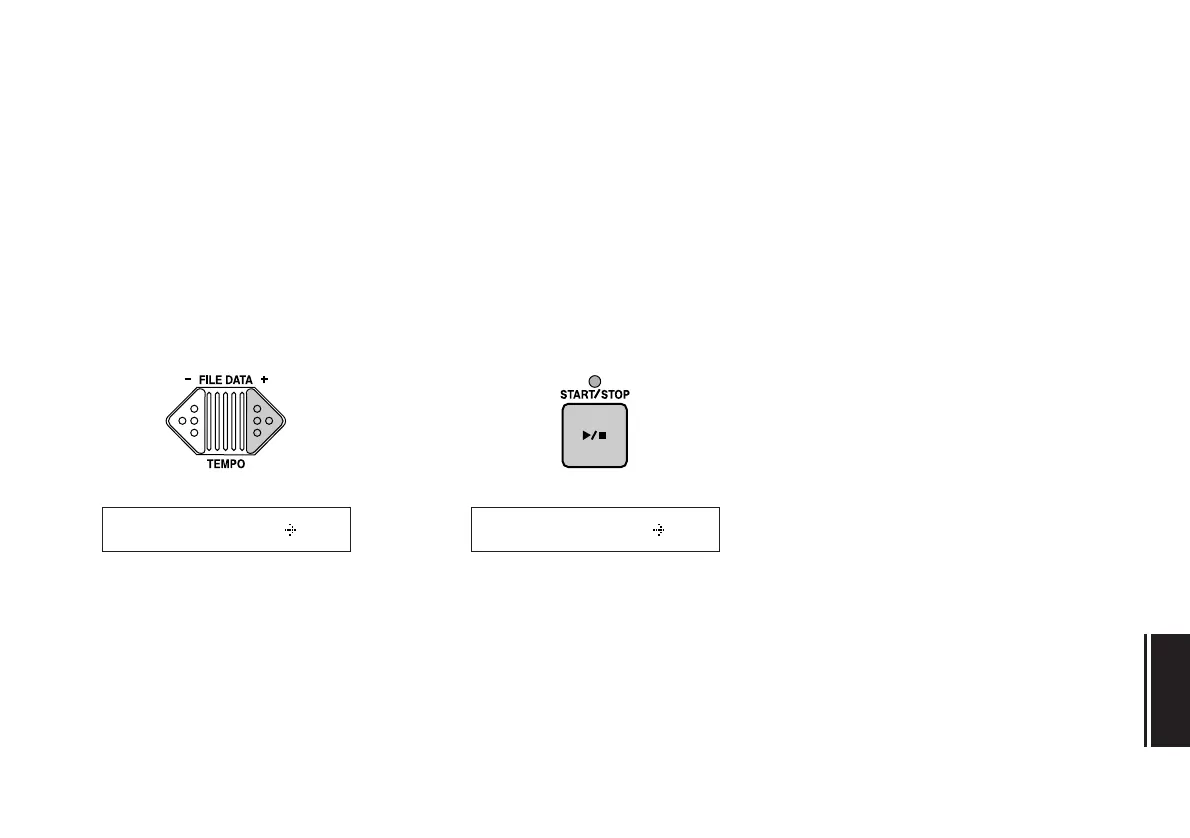
Using the FILE DATA keys, select the
destination file number.
Note:
When appending files, the destination
file you select must be of the same type (i.e.,
MDR or SEQ) as the source file. You will not
be allowed to append an MDR file to a SEQ
file, or vice-versa.
5.
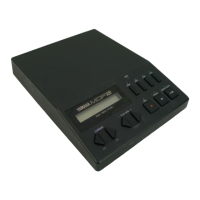
Press the START/STOP key.
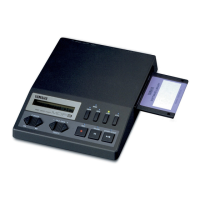
The MDF3 will append or copy the
source file to the destination you speci-
fied.
You can now press the CURSOR [<<] key
to move the cursor back to the source
file number area and select a new source
file to copy or append; or press any of
the mode keys (MDR, SEQ, JOB, or UTIL)
to exit the function.
~~~~~~~~~~~~~~~å
Apn:S01~SONG~S03


 To Next Page