33
SEQ
4.
Prepare the MDF3 for recording.
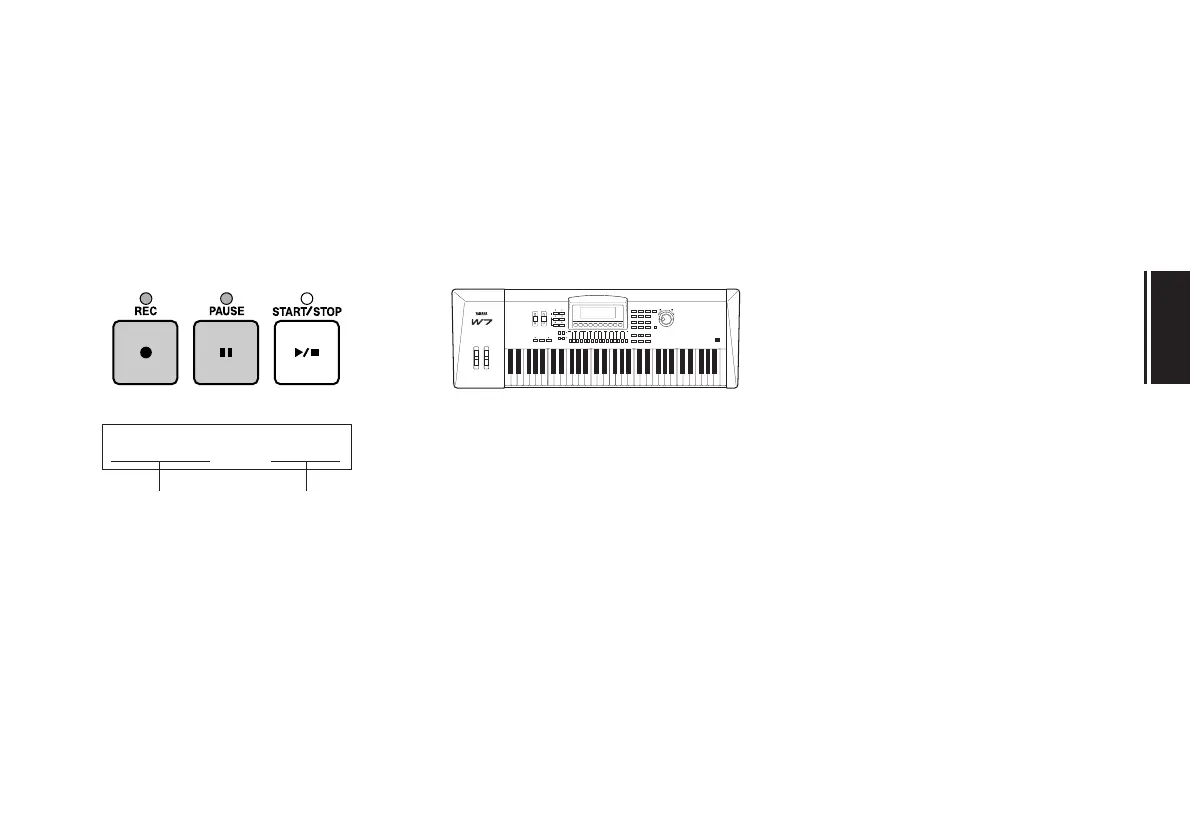
While pressing the REC key, press the
PAUSE key.
The LEDs above the REC, PAUSE, and
START/STOP keys will light, and the fol-
lowing display will appear in the LCD.
The MDF3 is now in record standby
mode.
Hint:
If you prefer, you can press the START/
STOP key instead of the PAUSE key to begin
recording immediately.
5.
Start playing.
Begin playing music on your MIDI key-
board. As soon as the MDF3 receives
MIDI data from the keyboard, it will can-
cel the pause and start recording the data.
Hint:
To pause during recording, simply press
the PAUSE key. The MDF3 will begin record-
ing again as soon as it receives any MIDI data
(except bulk data), or if you press the PAUSE
key once more. You can also resume record-
ing by pressing the foot switch if it is con-
nected.
If you press the START/STOP key while the
recording is paused, the recording will end
and the data up to that point will be saved as
a SEQ file.
SONGå03~~~~00:00
default file name time


 To Next Page