En 13
Part names and functions
This section explains the functions of the parts of the unit.
Front panel
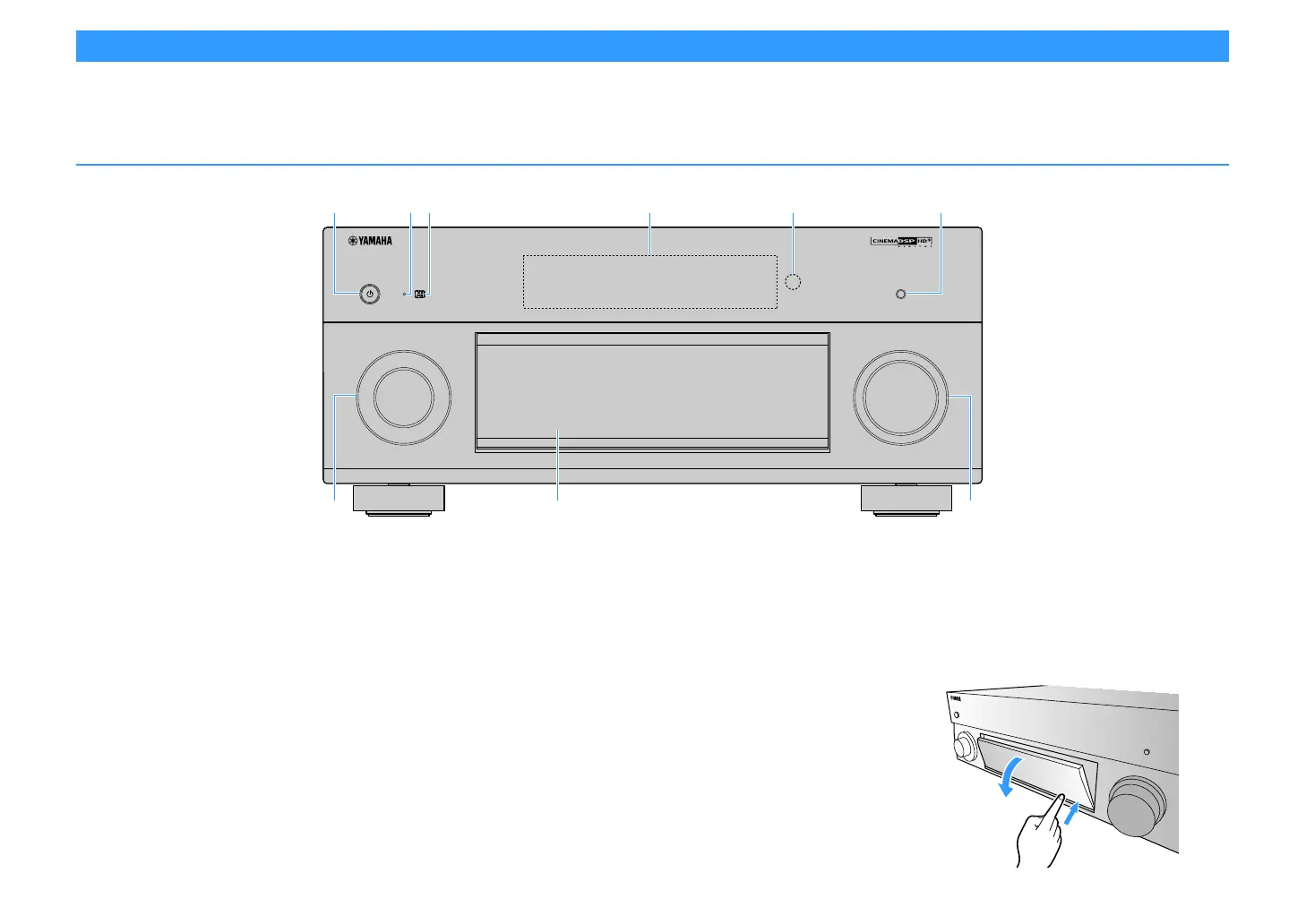
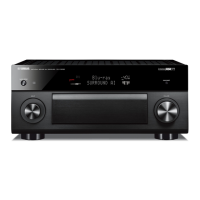
a MAIN ZONE z key
Turns on/off (standby) the main zone.
Y
Zone2, Zone3 and Zone4 can be turned on/off individually (p.111).
b Standby indicator
Lights up when the unit is in standby mode under any of the
following conditions.
• HDMI Control is enabled (p.142)
• HDMI Standby Through is enabled (p.142)
• Network Standby is enabled (p.144)
• Bluetooth Standby is enabled (p.147)
c AI indicator
Lights up when the SURROUND:AI is enabled (p.76)
d Front display
Displays information (p.15).
e Remote control sensor
Receives remote control signals (p.6).
f PURE DIRECT key
Enables/disables Pure Direct (p.81).
g INPUT knob
Selects an input source.
h Front panel door
For protecting controls and jacks (p.14).
i VOLUME knob
Adjusts the volume.
Opening the front panel door
To use controls or jacks behind the front panel door, gently
press the bottom of the door to open it. Keep the door closed
when not using controls or jacks behind the front panel door.
(Be careful not to trap your fingers.)
ENTER
OPTION
ON SCREEN
DISPLAYRETURN
YPAO MIC
PHONES
USB
SILENT CINEMA
TONE CONTROL
STRAIGHT
PROGRAM
MULTI ZONE
VIDEO AUX
ZONE 2
ZONE 3
ZONE 4
ZONE CONTROL
5V
1A
SCENE
1234
RL AUDIO
HDMI IN
INFO
(
WPS
)
MEMORY
FM AM
TUNING
PRESET
INPUT
MAIN ZONE
VOLUME
PURE DIRECT
(
CONNECT
)
e fbda
g
i
h
c


 To Next Page