En 99
Playback of PC music contents
Follow the procedure below to operate the PC music contents and start
playback.
You can control the PC/NAS with the menu displayed on the TV screen.
1
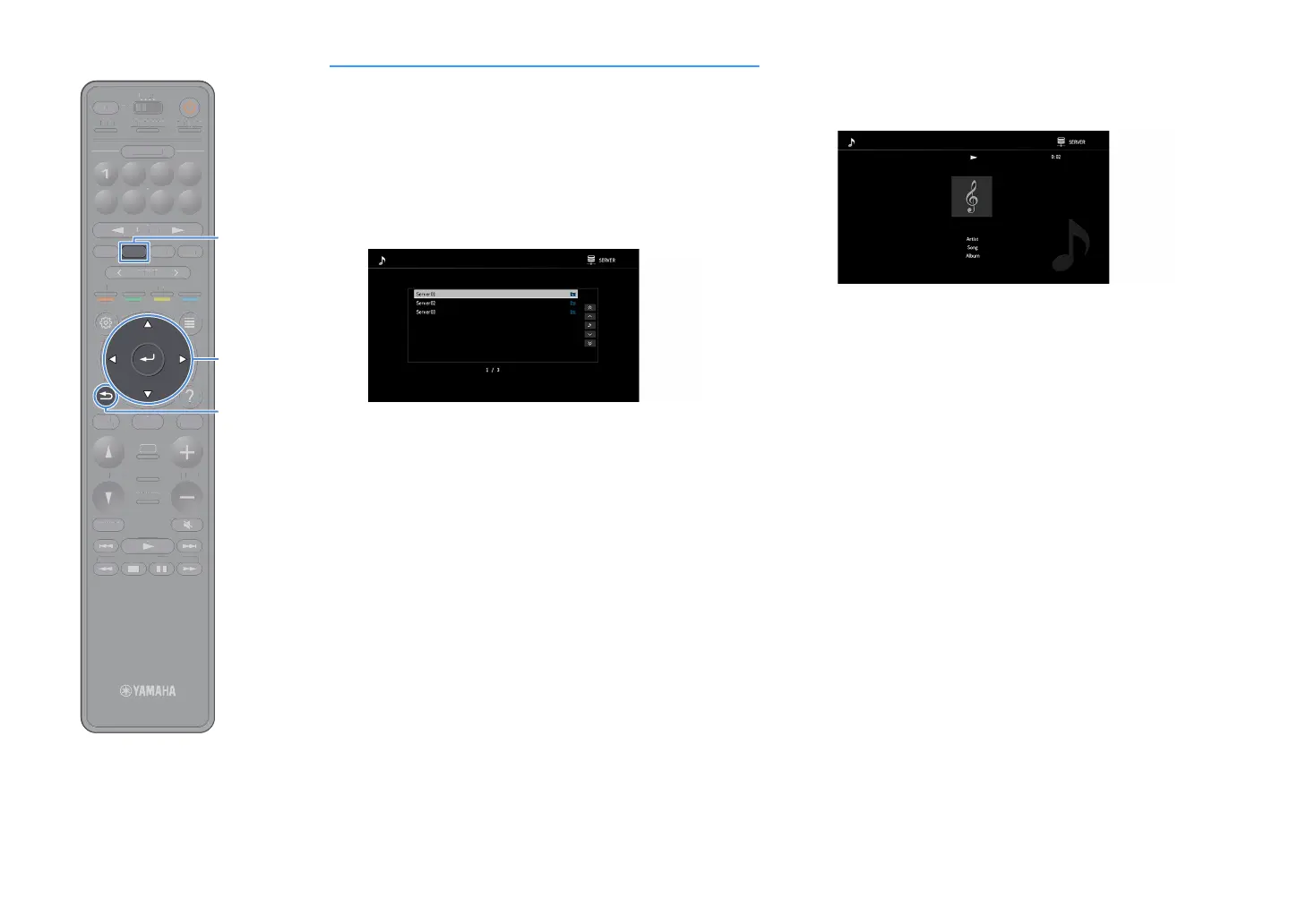
Press NET repeatedly to select “SERVER” as the input
source.
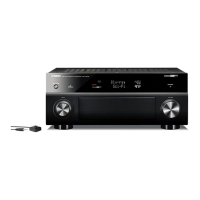
The browse screen is displayed on the TV.
X
If playback of a music file selected from the unit is ongoing on your PC, the
playback screen is displayed.
2
Use the cursor keys to select a music server and press
ENTER.
3
Use the cursor keys to select an item and press ENTER.
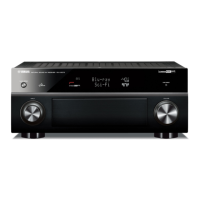
If a song is selected, playback starts and the playback screen is
displayed.
X
• To return to the previous screen, press RETURN.
• To return to the top screen during menu operations on the browse screen, hold down
RETURN.
• Files not supported by the unit cannot be selected.
• If the unit detects a series of unsupported files (such as images and hidden files)
during playback, playback stops automatically.
•You can register your favorite items as shortcuts and access them directly by
selecting the shortcut numbers (p.113).
TUNINGBANDTUNING
MEMORY
STRAIGHT
VOLUME
ENHANCER
SUR. DECODE
AI
PROGRAM
POP-UP
/MENU
HOME
TOP
MENU
BLUE
YELLOW
GREENRED
PRESET
BLUETOOTH
NET USBTUNER
INPUT
8765
4321
SCENE
HDMI OUTPURE DIRECT
PARTY
MAIN 2 3 4
ZONE
SLEEP
TUNIN
AN
TUNIN
EM
RY
TRAI
HT
E
NHAN
E
UR. DE
D
PR
RA
P
P-
P
HOM
T
P
LU
T
T
PUT
ENE
E
NE
L
EP


 To Next Page