Registering a radio station manually
Tune in to a radio station and register it to a preset number.
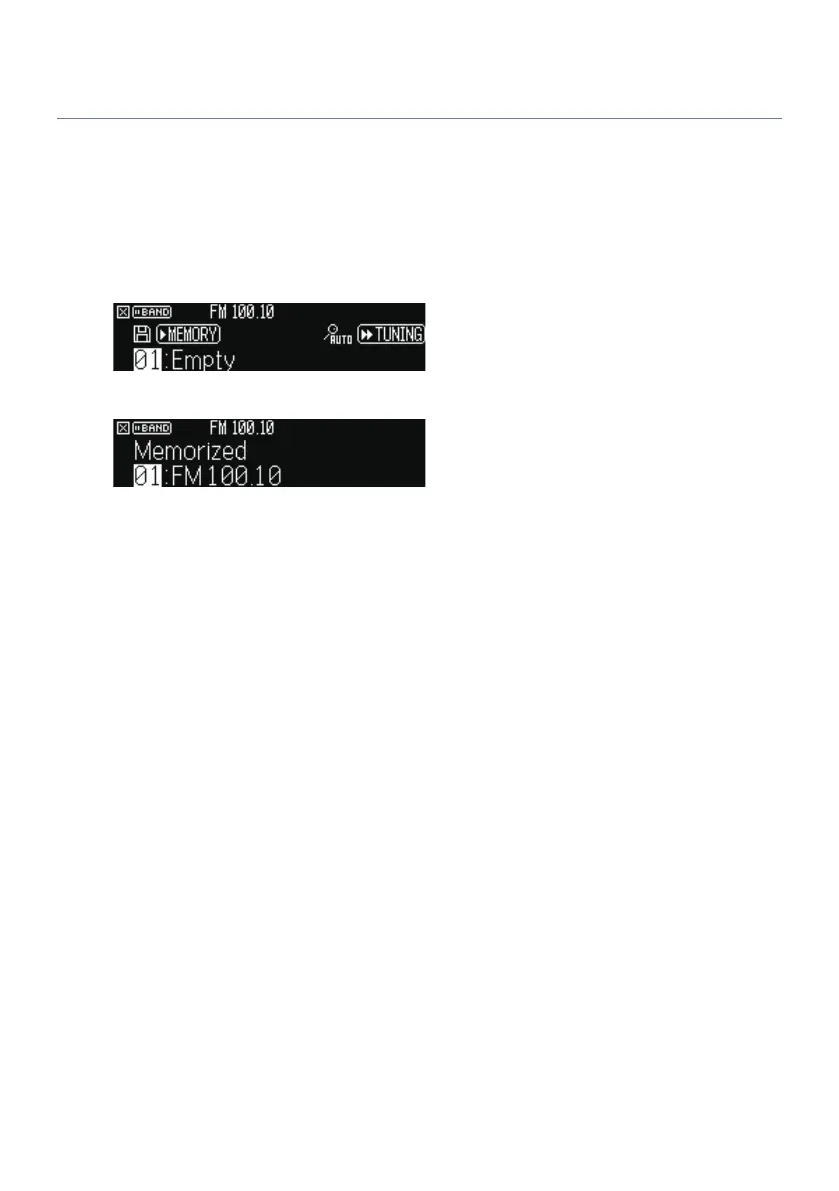
1 Tune in to the desired radio station.
2 Hold down MEMORY for 3 seconds.
3 Press PRESET to select the preset number.
4 Press MEMORY.
This completes the registration.
NOTE
(
You can register up to 40 radio stations as presets.
(
Hold down MEMORY for 5 seconds after tuning in to the desired radio station so that you can register it to the next empty (unused)
preset number after the most recently registered number.
(
To cancel the registration, press BAND.
(
The front display returns to the input select mode automatically without operations for 30 seconds.
Related links
(
“Listening to the radio”(p.126)
(
“Registering FM radio stations automatically (Auto Preset)”(p.130)
129
PLAYBACK > Listening to the radio


 To Next Page