Setting the use of the operation sound
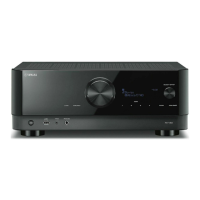
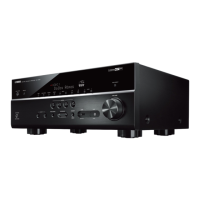
Selects whether to ring a sound when operating the touch key on the front panel.
Front Display menu
“Settings” > “Touch Sound”
Settings
Off Does not output the operation sound.
On Outputs the operation sound.
NOTE
This setting is interlocked with the setting of “Touch Sound” in the “Setup” menu.
Related links
(
“Setting the operation sound”(p.257)
(
“Basic operation of the Front Display menu”(p.281)
288
CONFIGURATIONS > Configuring the unit’s settings by operation of the body front panel (Front Display menu)


 To Next Page